
The Navigation Bar – Events
This is the Events page. Here, you‘ll see a schedule of Company-sponsored Events taking place in the month indicated.
Scroll as necessary to see what’s available for the month you’ve selected – or – use the sort feature if you're looking for a flight specific to an ATC Network.
|
|

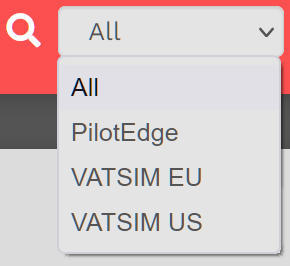 |
The sorting options are:
- All
Color Legend:
| PilotEdge |
 |
Clicking the UTC button will display all times in UTC.
Universal Coordinated Time (UTC), a successor to Greenwich Mean Time (GMT), is the time standard used in our System. A new day begins at 00:00:00 UTC and ends at 23:59:59 UTC.


Clicking an Arrow button will enable you to move forward or backward in the Calendar.
Click on an entry to learn more about it.
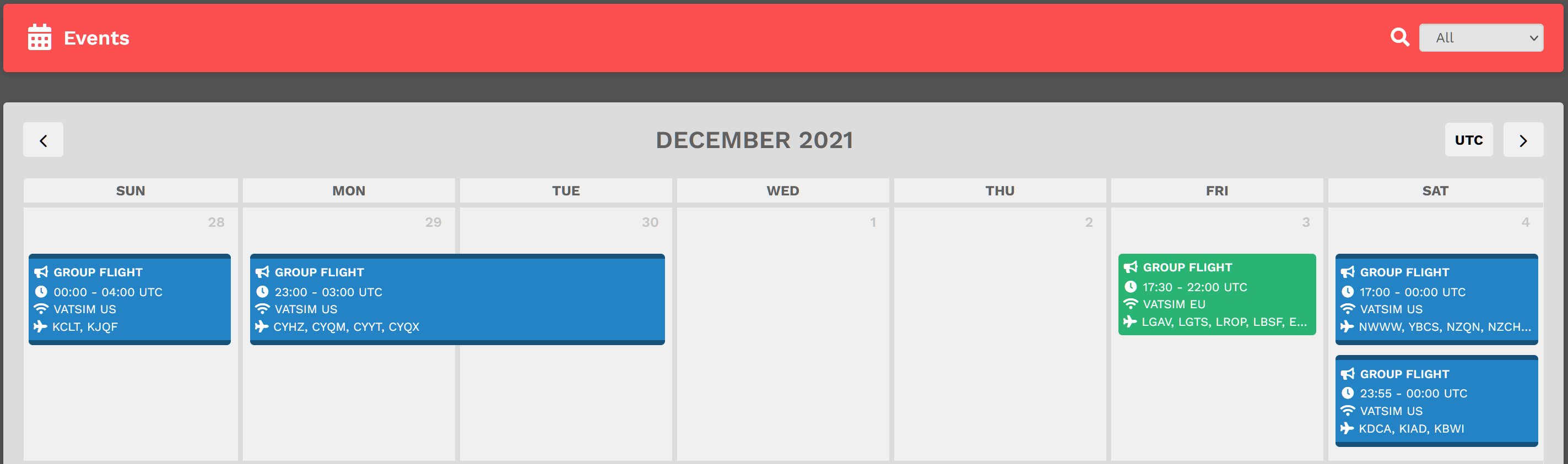
By clicking on an Event, its details will appear.
This is the upper section of what appeared after clicking on the VATSIM EU flight scheduled for Friday, 7 December.
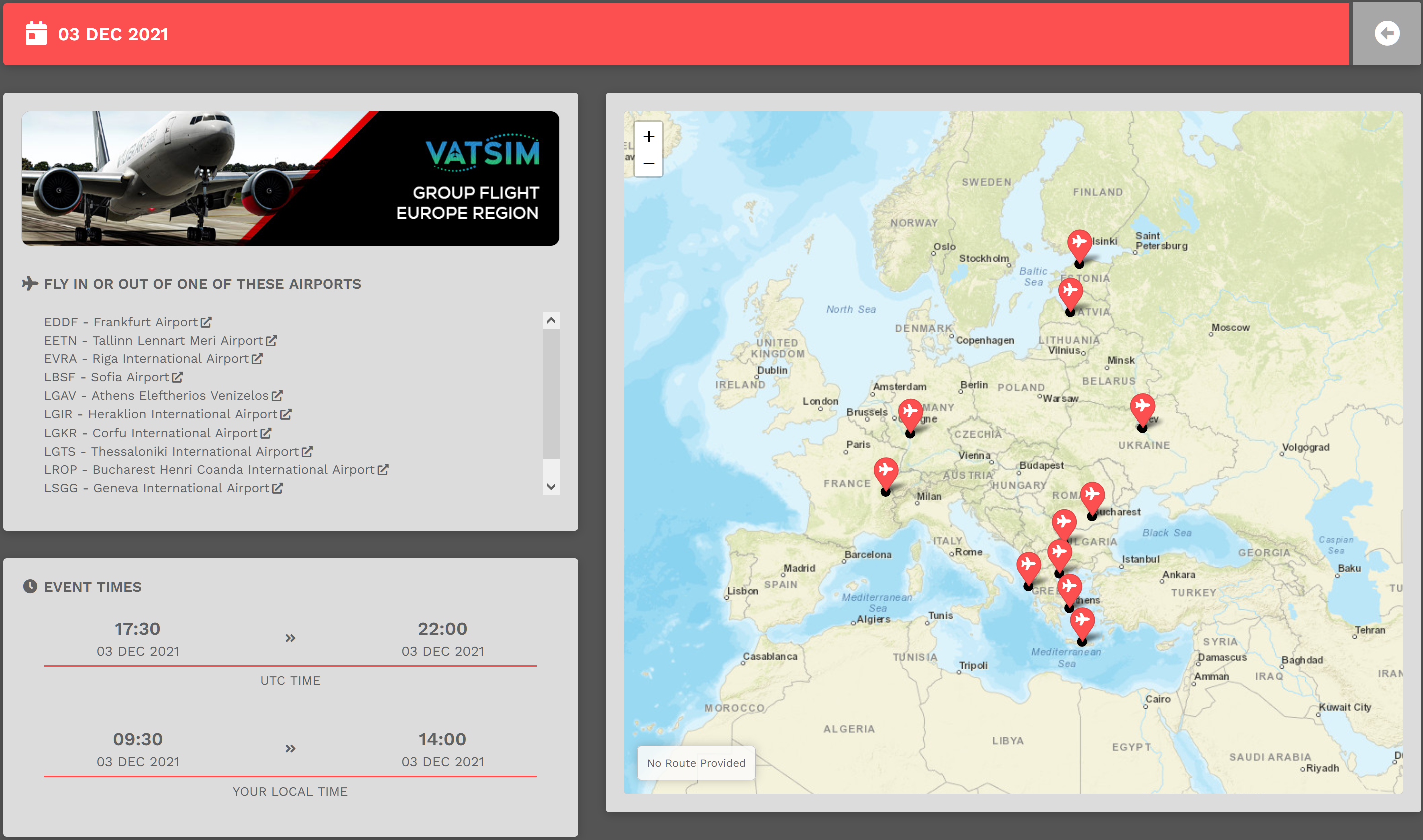
This is the lower section of what appeared – and on your screen, you may need to scroll down to see all of it.
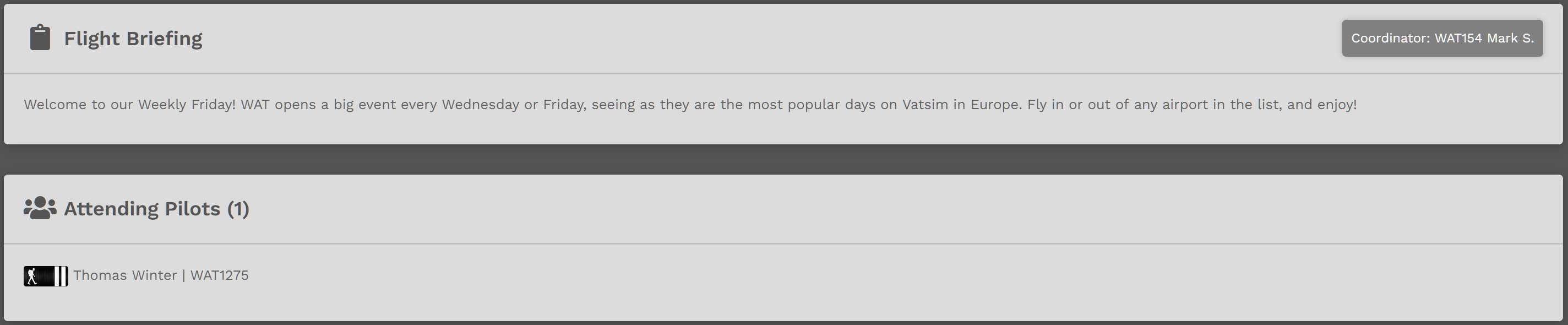
To fly the Event, you must complete a Bid.
Instructions on how to do that for a Cargo, Charter, Scheduled and/or Tour flight can be found here