Locating Your PIREP
PIREPS are stored in your Logbook. They may be accessed by using the Navigation Bar in the Crew Ops website.
Locate your name on the right side of the Navigation Bar and scroll down to Profile and click it. At the top of the screen opening afterwards, you'll see the bar below along the top of your screen containing your insignia, name and a series of boxes on the right.

To view all of your PIREPS, click this box.

After doing so, the screen below will open. Here, you'll be able to see your 20 most recent PIREPs in Summary Form. Each column contains a piece of data about your flight. To see more detail about a flight, click on its Flight Number in the Flight column.
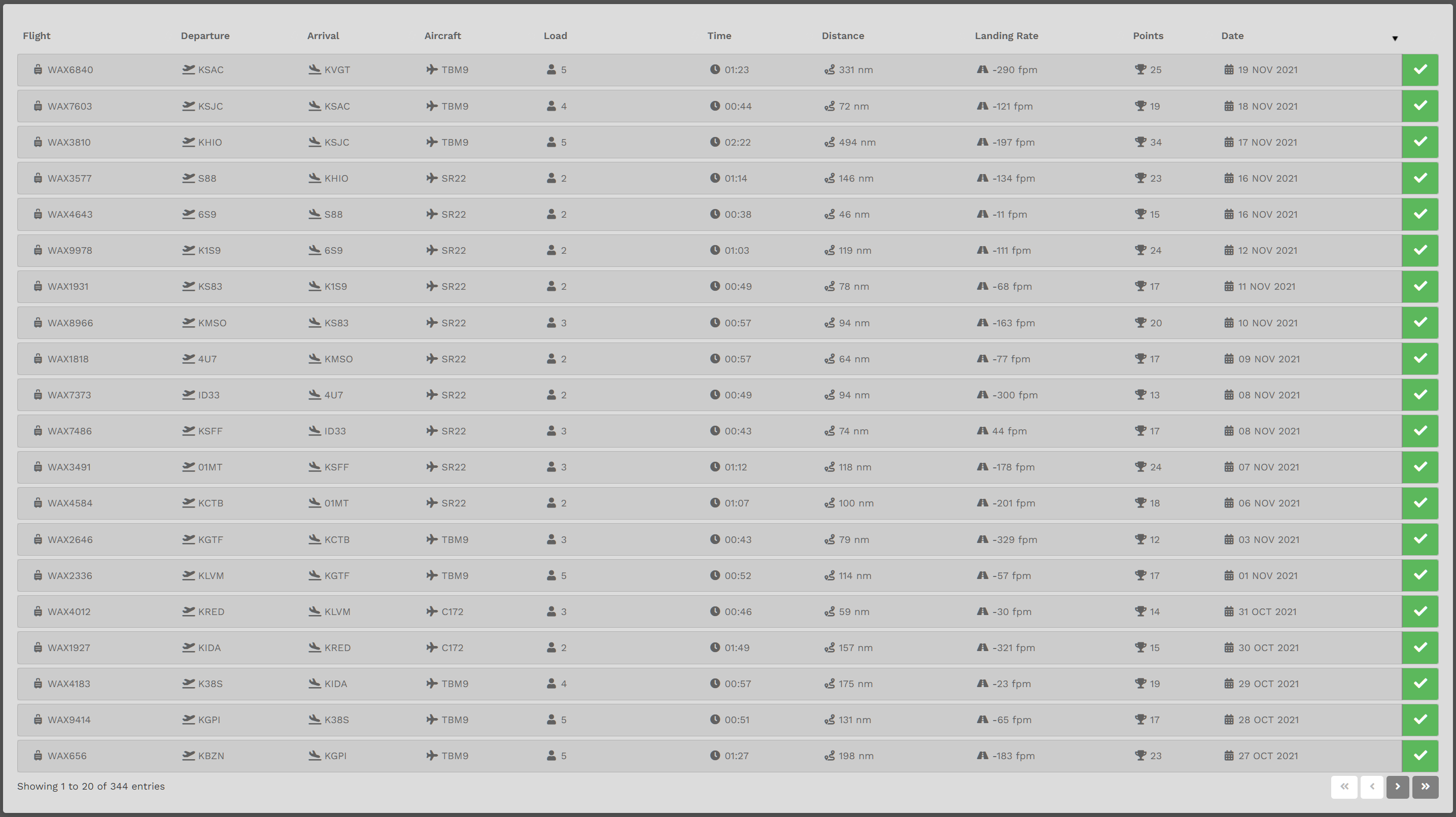
To view more of your PIREPS, click the arrow buttons at the bottom right of your screen.
By clicking on the first flight listed above (WAX6840), the screen below is revealed.
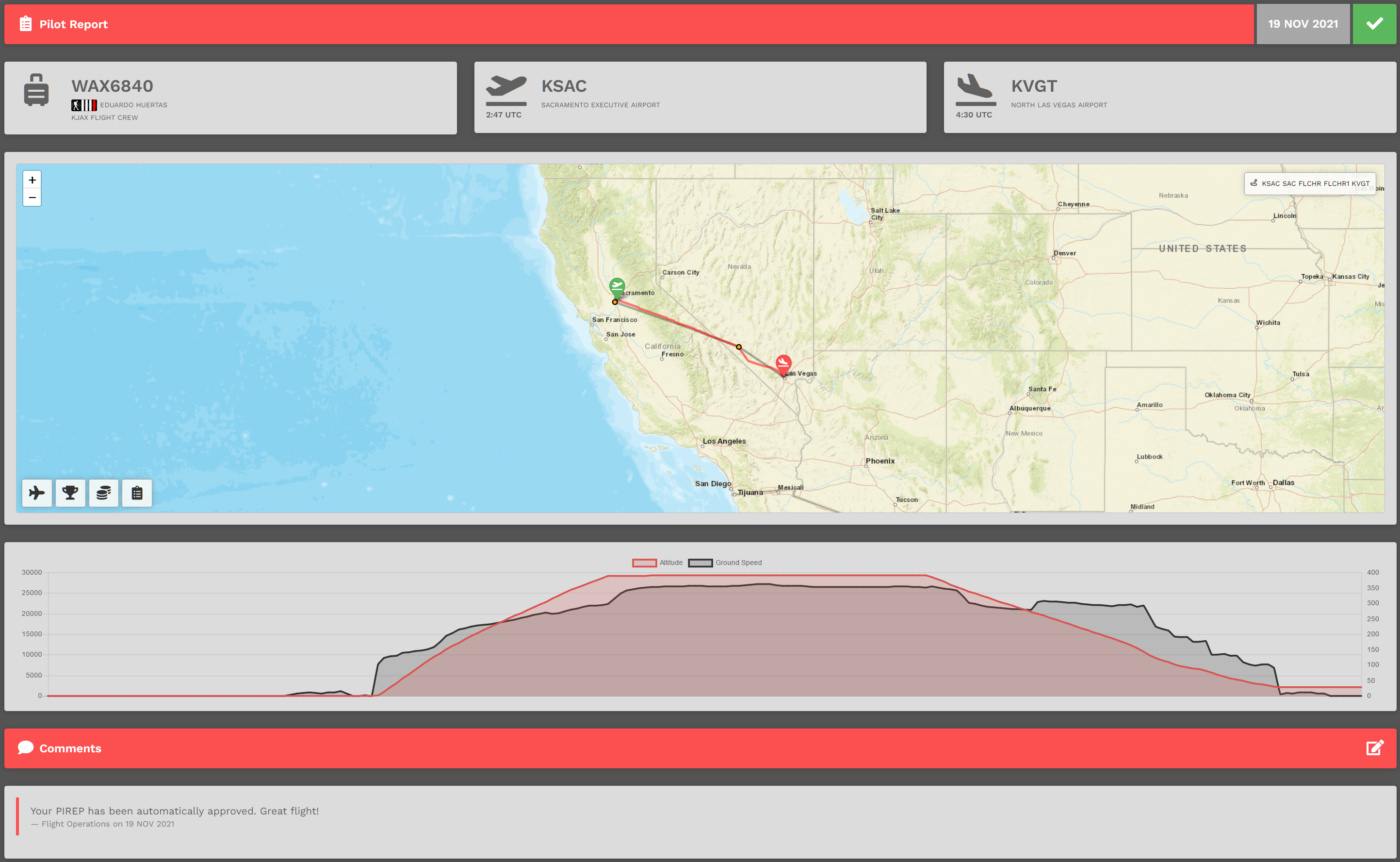
Within this screen,pop-up, there are four (4) buttons:
| Flight Information |
Points |
Financials |




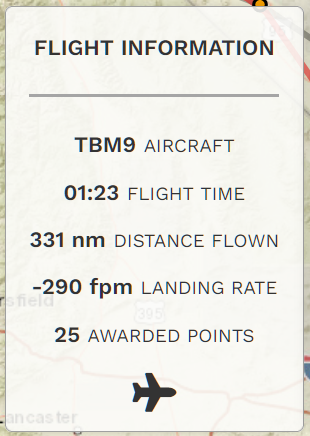
Clicking the Flight Information button will open thisthe box.pop-up below.
It shows a very high level summary of your flight's operational details.
To close it, click the Flight Information button – or – the icon at the bottom of the pop-up.
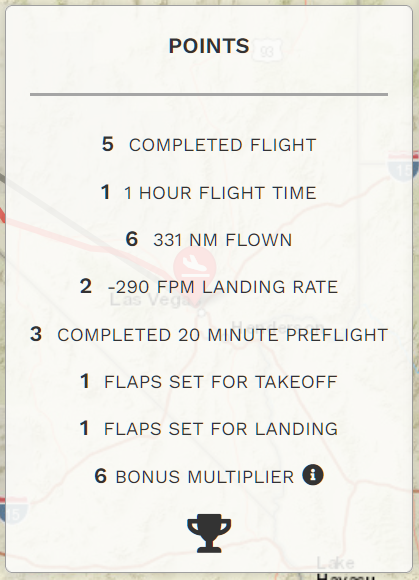
Clicking the Points button will open thisthe box.pop-up Thisbelow.
It'll show you how your Points were awarded for this flight.
To close it, click on the Points button – or – the icon at the bottom of the pop-up.
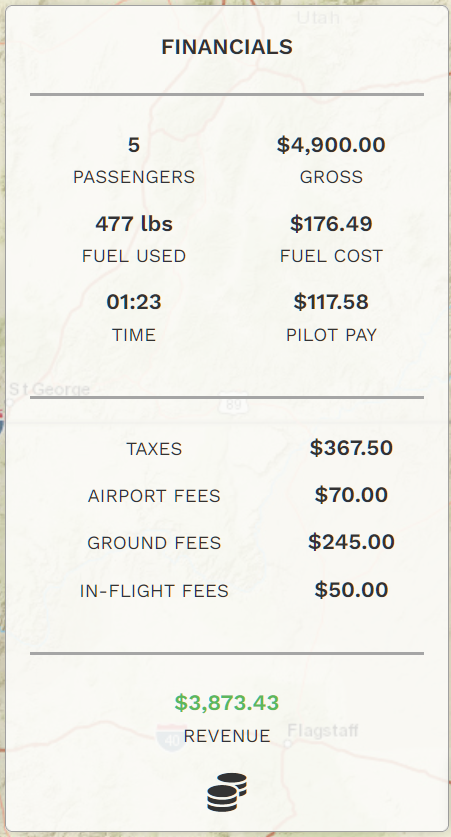
Clicking the Financials button will revealopen thisthe box.pop-up Thisbelow.
It'll show you how much Revenue was generated for this flight.
To close it, click on the Financials button – or – the icon at the bottom of the pop-up.
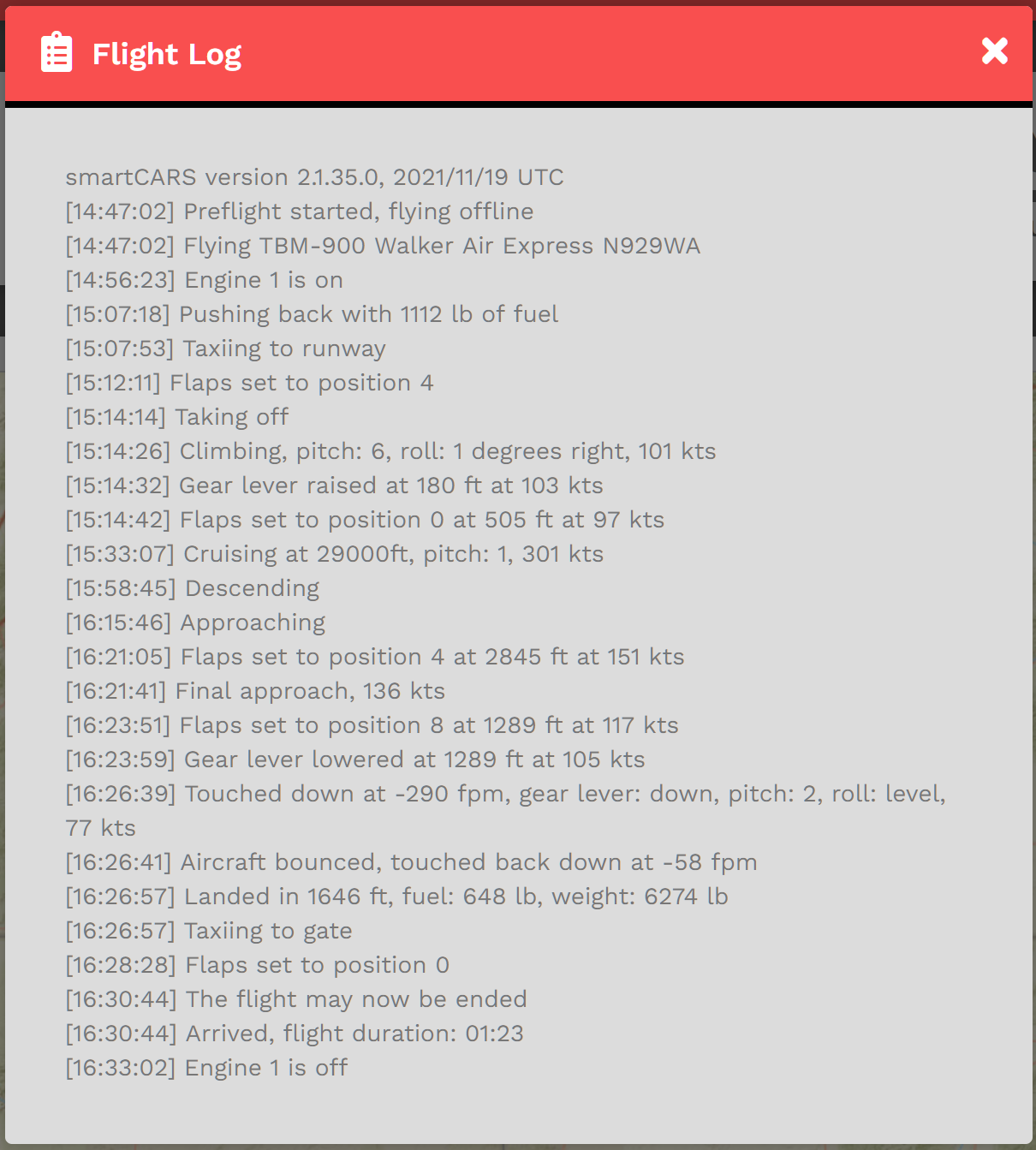
Clicking the Flight Log icon will revealopen thisthe box.pop-up Thisbelow.
It'll show you the data entries our Flight Data System made based on input from your Sim.
To close the Flight Log, click the 'X'.