
How to Become a Patreon
How to be a Patreon
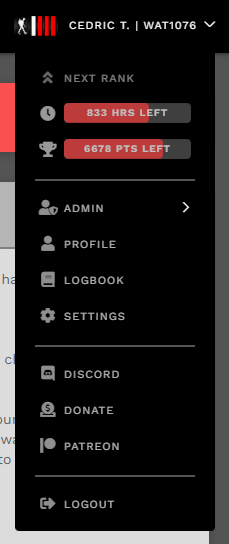
If you wish to become a member of the Patreon program, you may do so by heading to the Patreon page on the CrewOps site under Profile - Patreon, or by clicking the hyperlink above.
We recommend that you click on "Subscribe Here!" first to make sure that you A) have a Patreon account, and B) a valid subscription (including signing up for it and making payment.) Once you've confirmed both of those are complete, you can then click on the "Log in with Patreon" button.

You will need to sign-in with your Patreon account.
If you are creating a Patreon account for the first time, please make sure you subscribe first, then return to the page and follow through with the Log in with Patreon process.
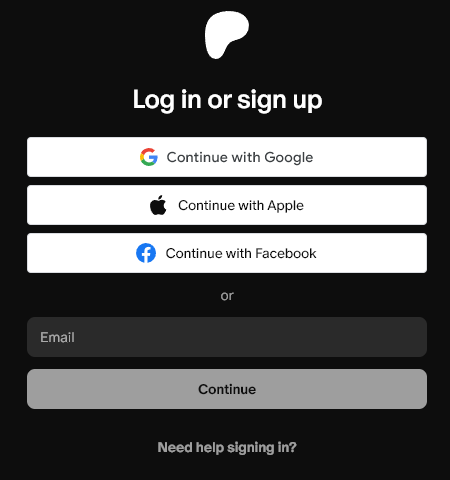
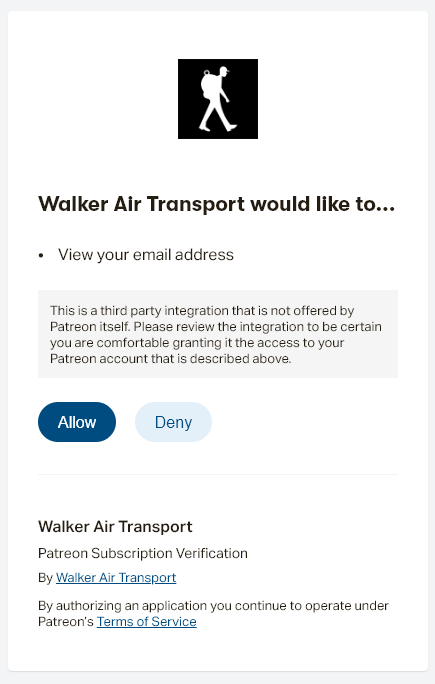
After signing into your account, you will be presented with an authorization request for us to receive your Patreon subscription details in order to validate your benefits. The only information we retain on record is your Patreon ID (this is specific to our subscription only and is not your Patreon ID for their website.) You can click Allow if you accept.
If you do not have a valid subscription you will be redirected to the Membership page (https://patreon.com/walkerairtrans/membership), otherwise you will be directed to your Patreon settings.
Once successfully completed, you will see your Patreon status, including the last payment, next payment, and the charge status. If you have any payment problems, Patreon will indicated it here (and on your Patreon profile) as "declined."
You will need to work with Patreon on any issues with payment. We are not responsible nor can we provide assistance.

If you wish to unlink your Patreon, you may do so by clicking the button below. Keep in mind that doing this only removes the benefits from the Walker Air Transport website. It does not stop your payment! You must contact Patreon and/or cancel your subscription in your Patreon profile.
If you need to refresh your Patreon subscription due to failed payment, or you did not have a subscription before you linked -- click the refresh button.
Important Notes
- You may start and stop your subscription at any time - payments are valid for the calendar month in which you were charged.
- You cannot use a Patreon account with multiple Walker accounts.
Once you have subscribed in the Patreon website - you MUST return to the Patreon page in CrewOps and click the "Refresh" button to link your profile and ensure you get your benefits. You can check if you are properly verified with the presence of a Patreon symbol beside your name on your profile.
To access the Patreon-only channel in Discord, you must be in our Discord when you refresh. If you join the Discord after verifying your Patreon subscription, please click the "Refresh" button and you will be given the role.