
FlightTrackerXP | MacOS
Prior to 1 December 2021, this was known as Belerophon.
This is a paid application. You must purchase and download it from the Apple's App Store. We do not own, develop or provide support for it. For support, contact the Developer.
The FlightTrackerXP application is subscription-based flight tracking software created specifically for MacOS in support of Laminar Research's X-Plane. It may be downloaded from Apple's App Store.
Link: https://www.apple.com/app-store/
Once downloaded, you'll be required to complete a few items to set it up.
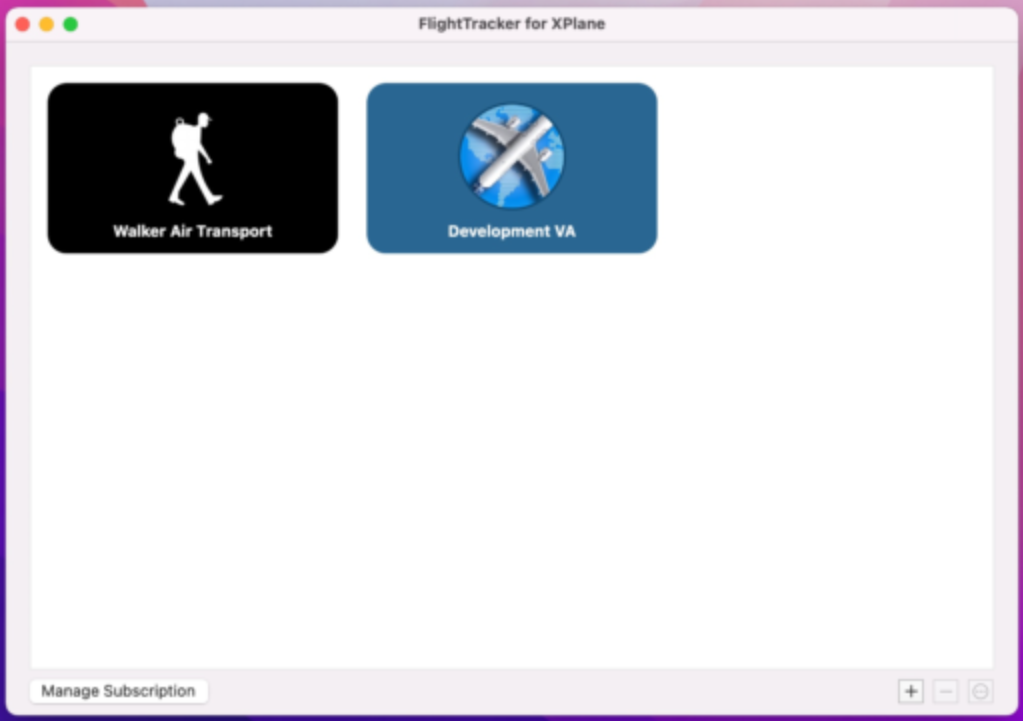
Launch FlightTrackerXP. You'll see Walker Air Transport is already listed as a Virtual Airline.
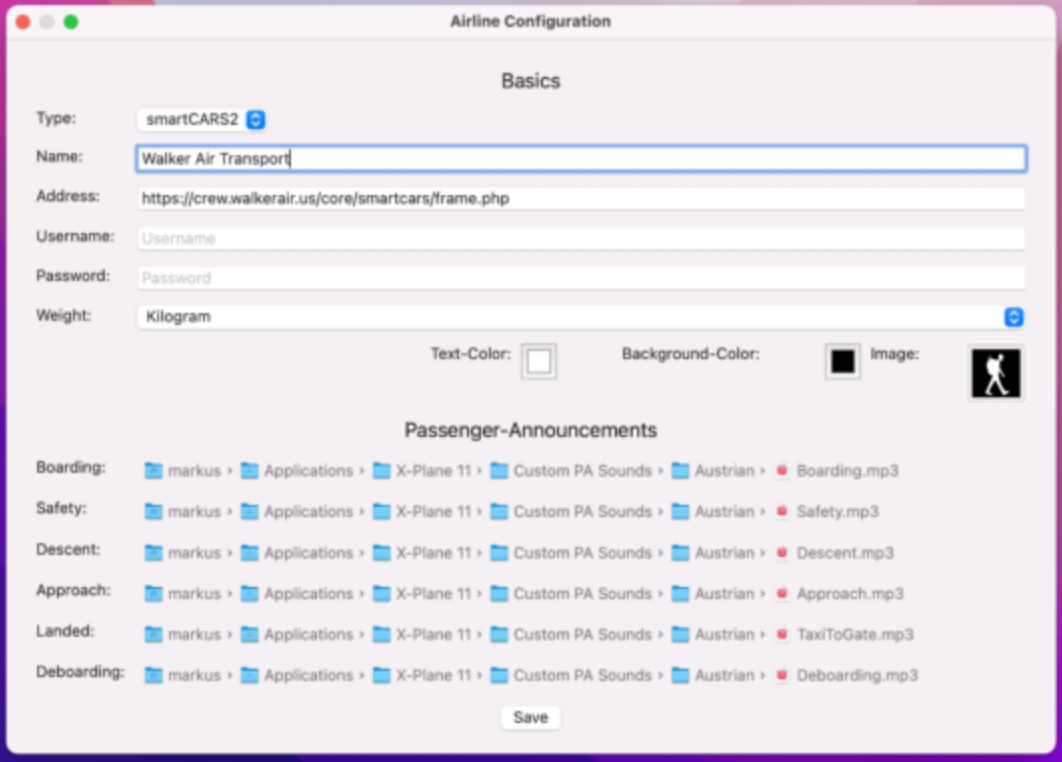
This is the Airline Configuration Page.
Enter your Username and Password in the Text Boxes provided.
Your Username and Password will be the same ones you use for our Crew Ops.
Specify Kilograms or Pounds in the Weight Text Box.
Click the Save button.
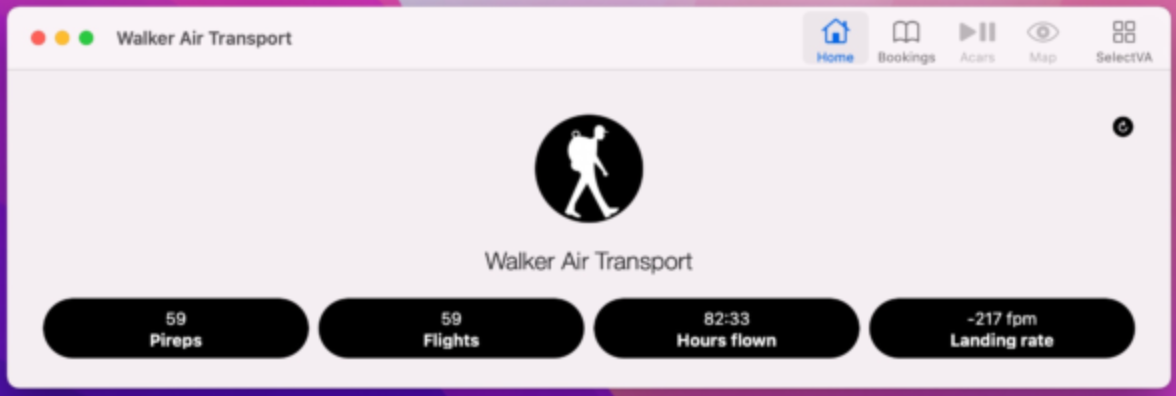
On the Home Page, your Pilot stats can be viewed.
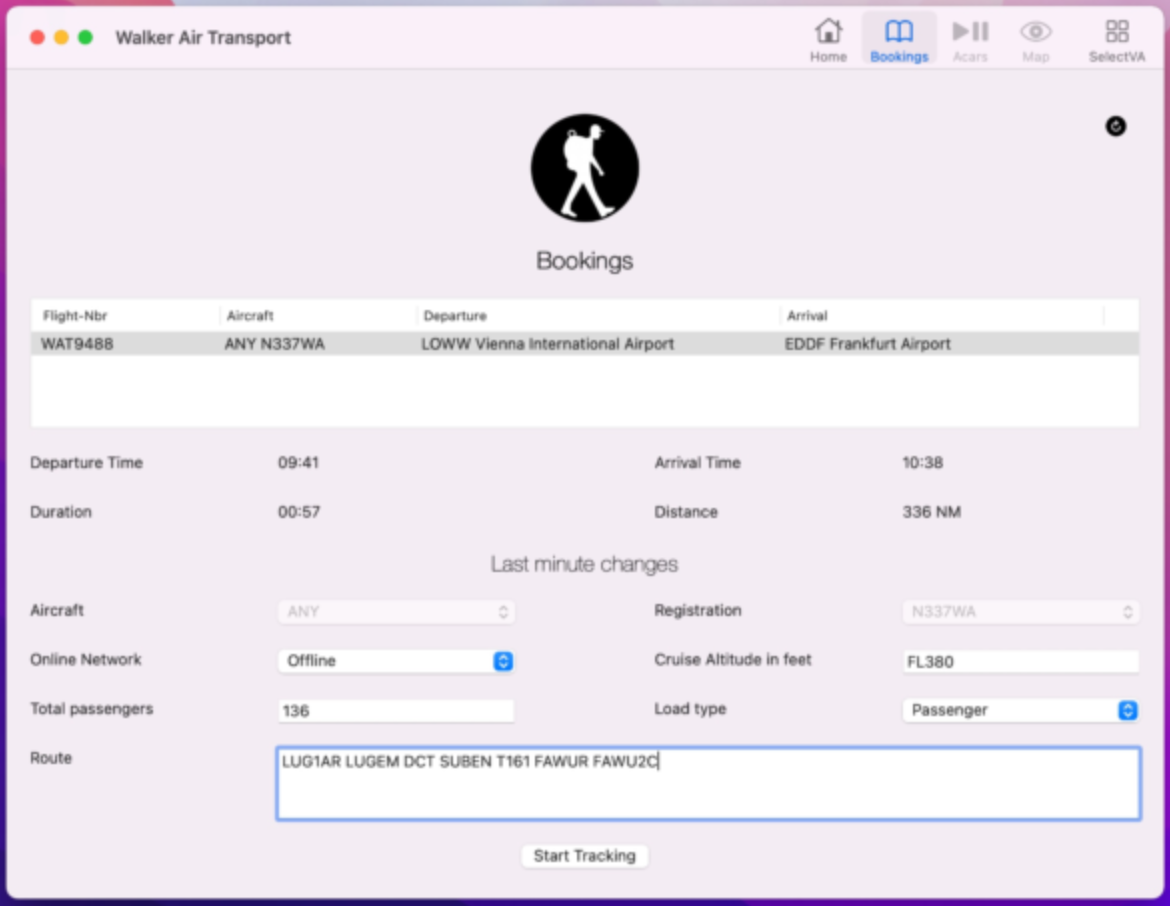
On the Bookings Page, you can view your Bids.
Enter your route in the Route Text Box and and click the Start Tracking button to begin your flight.
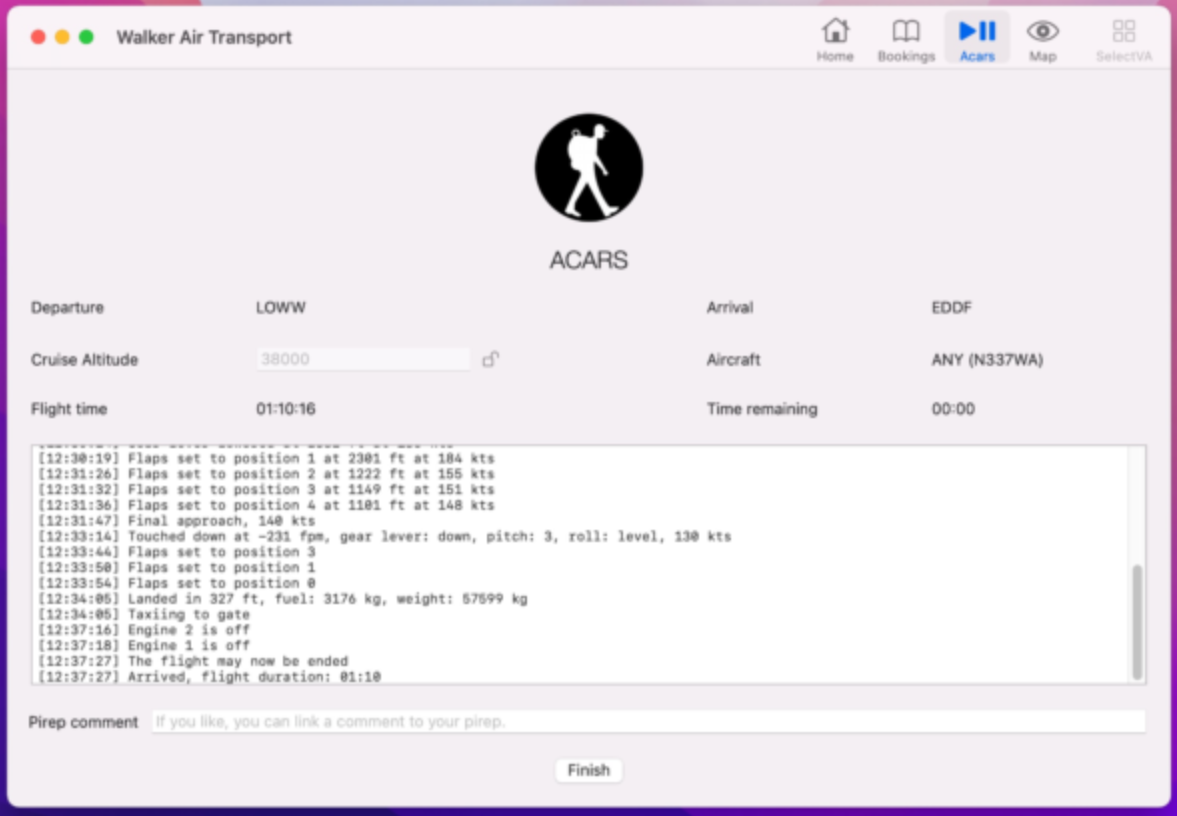
On the ACARS Page, your active flight and log file are displayed.
At end of your flight, click the Finish button. Your flight data will be transmitted to our Flight Data System to generate your PIREP.
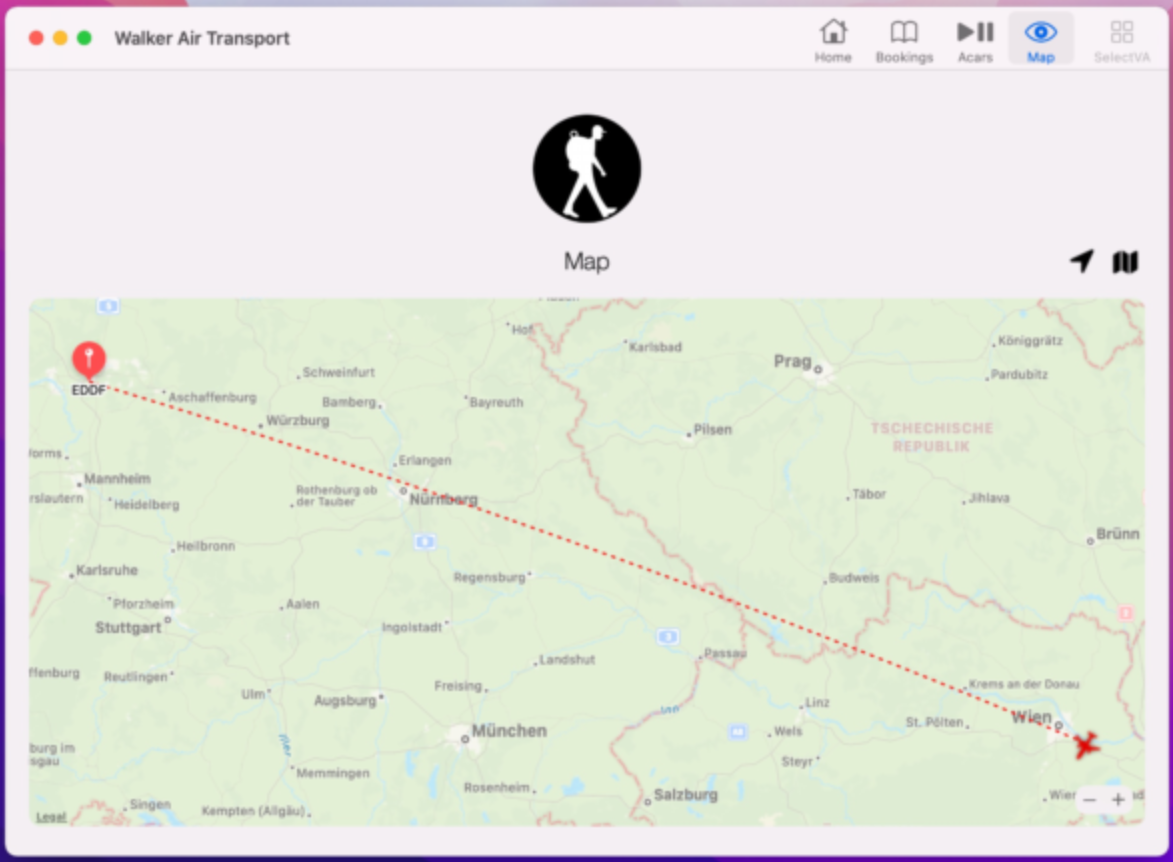
On the Map Page, you can track your flight.
Support
| User Manual | FlightTrackerXP's User Manual can be accessed here: https://www.griesslehner.at/flighttrackerxp/manual |
| Discord | If you have installation or start-up issues with FlightTrackerXP, you must contact the Developer on their Discord. The staff at Walker Air Transport will not be able to provide application support outside an invalid login account. Discord Link: https://discord.com/invite/GF9sEdE |