
Charter
Leveraging a list of over 42,000 airports around the world using a specific fleet of company aircraft, the Charter system allows a Pilot to create a flight schedule without the constraints of having to adhere to a formal route.
The only limitation?
Selecting an aircraft with the range to complete the flight.
Where do I find a Charter Flight?
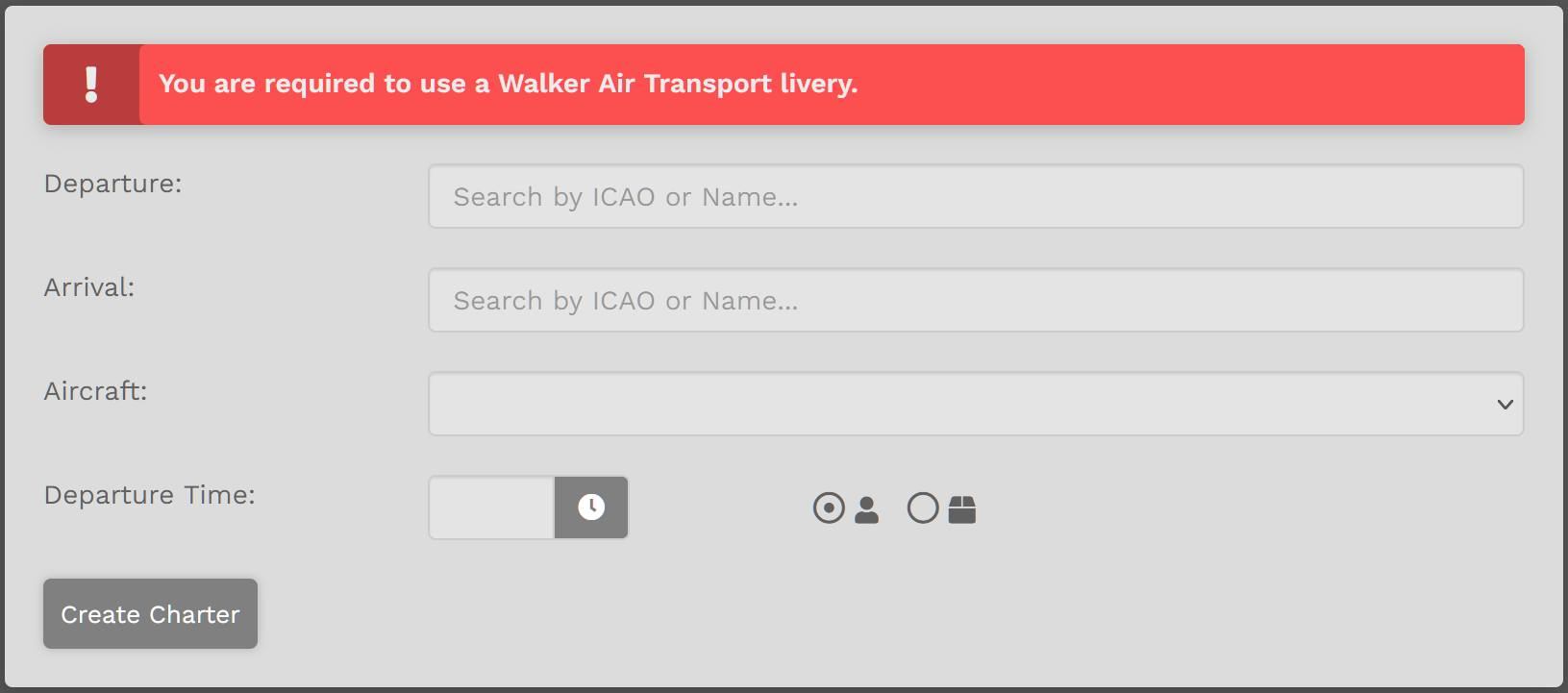
On the Charter Page you have five (5) fields you need to complete.
| 1. | Departure – Enter the Name or ICAO Code of any airport from which you wish to depart. |
| 2. | Arrival – Enter the Name or ICAO Code of any airport to which you wish to arrive. |
| 3. | Aircraft – Select an aircraft from our Walker Air Express fleet in drop-down menu. |
| 4. | Departure Time – Select a departure time – and remember this is UTC time, not local time. |
| 5. | Passengers or Cargo – Choose who or what will be accompanying you on your flight – passengers or cargo. |
Click the Create Charter button. You'll be directed to Flights > My Bids where the newly-created flight appears.

Random Generator
The Random Generator allows you to input a few items and generate a random flight. This is a great tool if you don't know where you want to go or you just want to get creative.
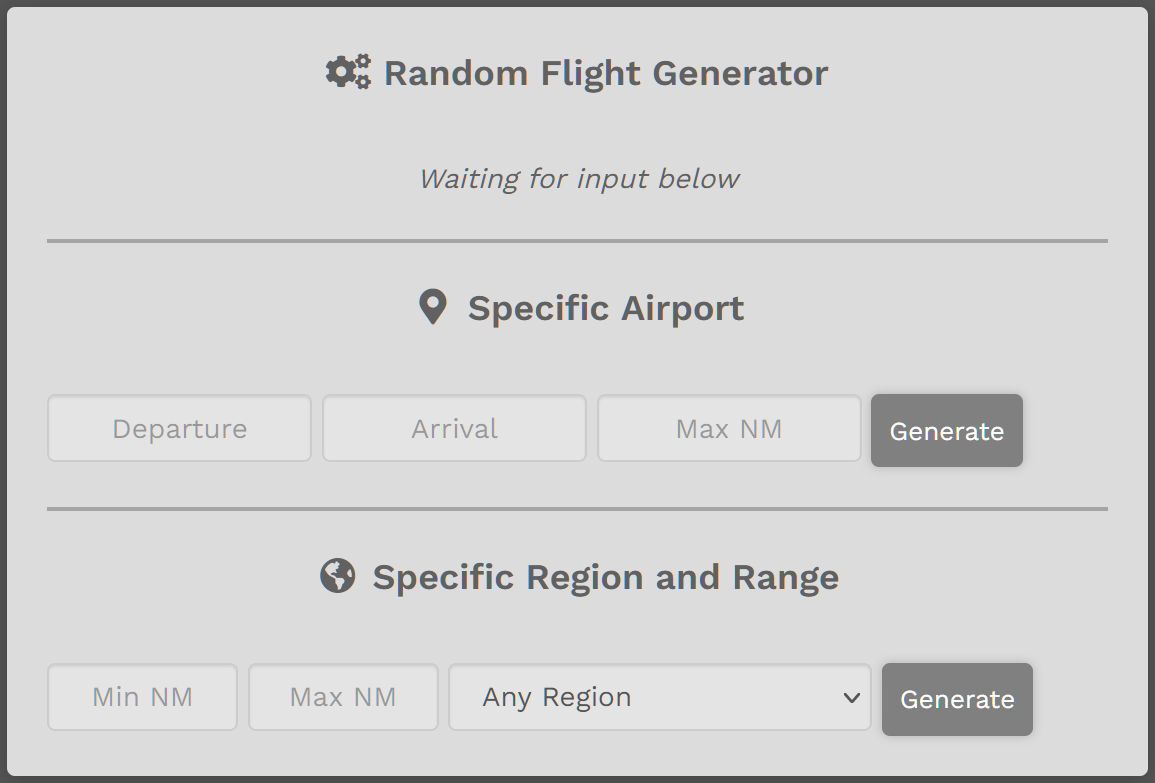
| Specific Airport |
Enter Departure Airport or Arrival Airport – not both. Enter Maximum Nautical Miles. Click Generate button. A random flight will appear. EXAMPLE:
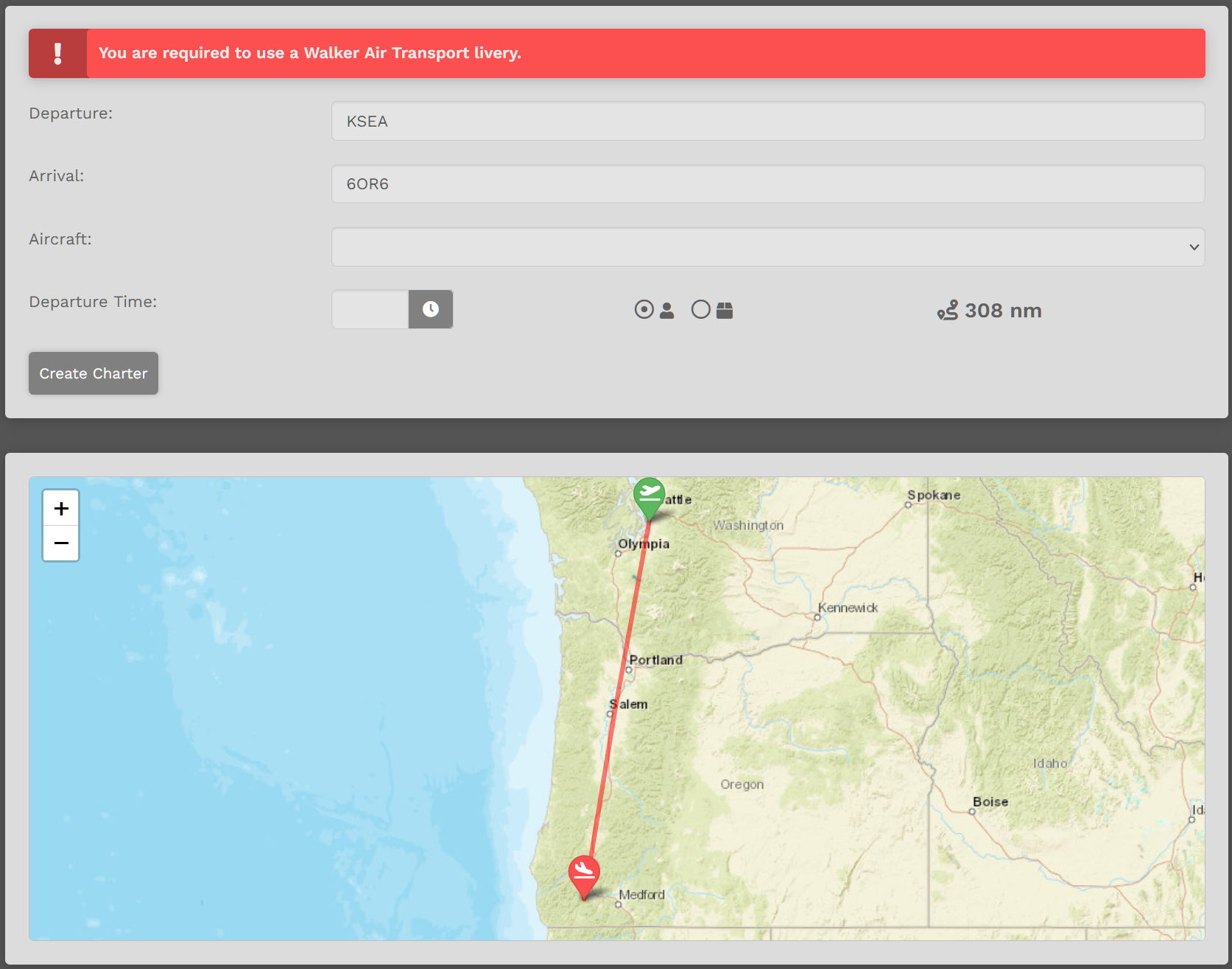
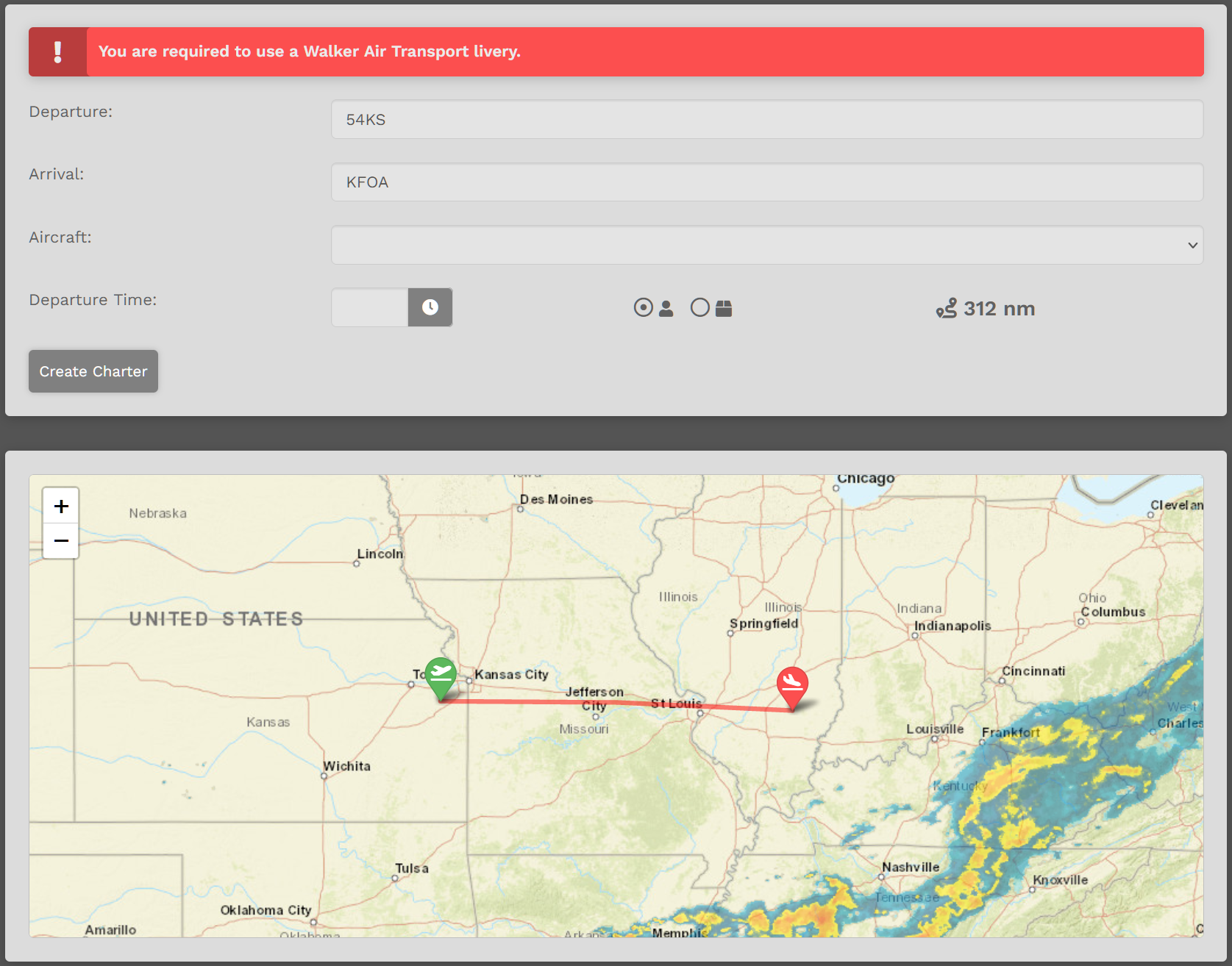
Acceptable? Click Transfer Flight button. Not acceptable? Click the Generate button as many more times as needed until a desirable flight appears. After clicking the Transfer Flight button, this box will appear.
To proceed, select Aircraft. Select Departure Time. Click the Create Charter button. |
| Specific Region and Range |
Enter desired Range or leave blank. Select Region or leave as ‘Any Region’. Click ‘Generate’ button. Random flight will appear. EXAMPLE:
If acceptable, click Transfer Flight button. If not acceptable, click the Generate button as many more times as needed until a desirable flight appears. After clicking the Transfer Flight button, this box will appear.
To proceed, select Aircraft. Select Departure Time. Click the Create Charter button. |
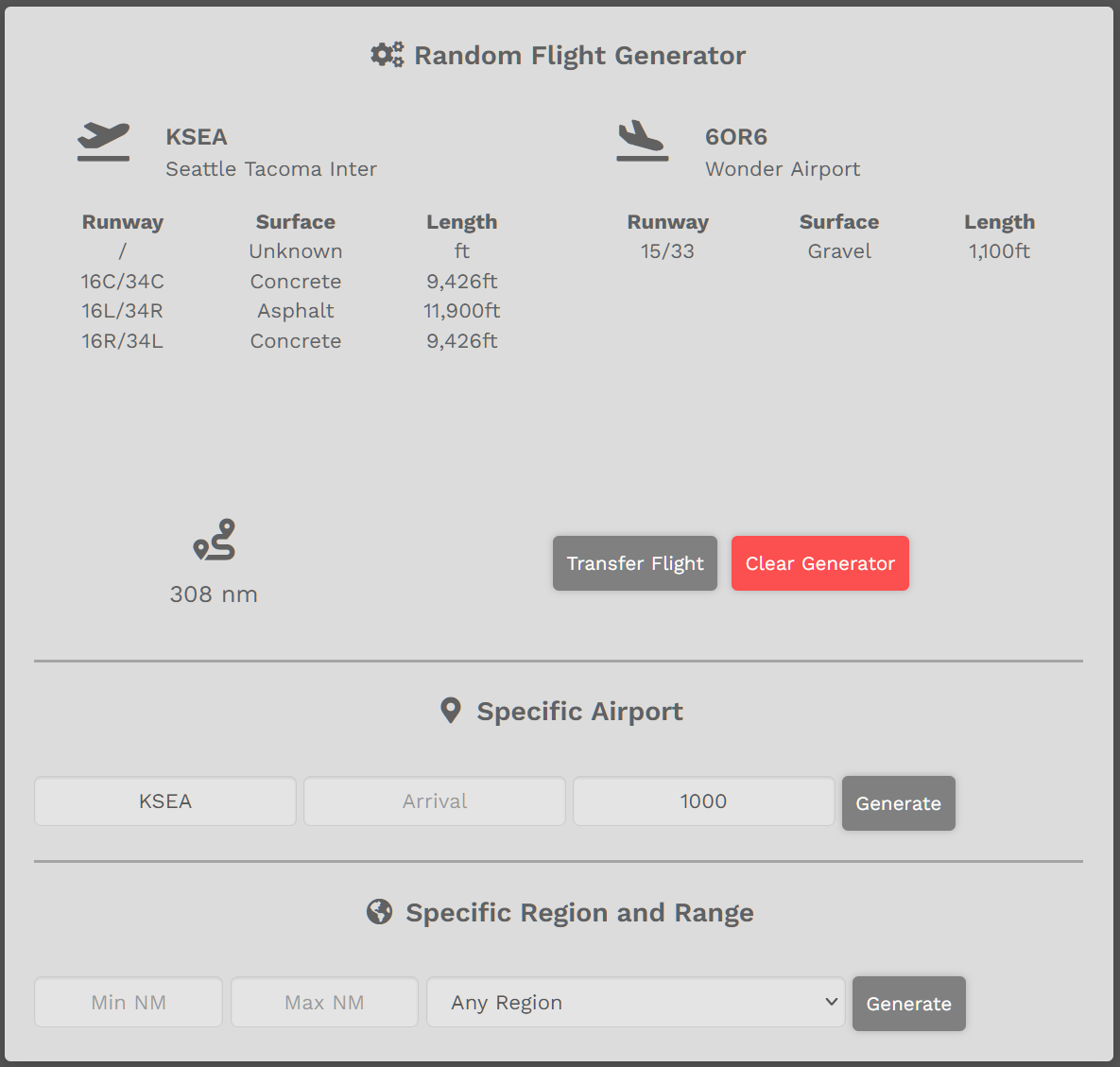
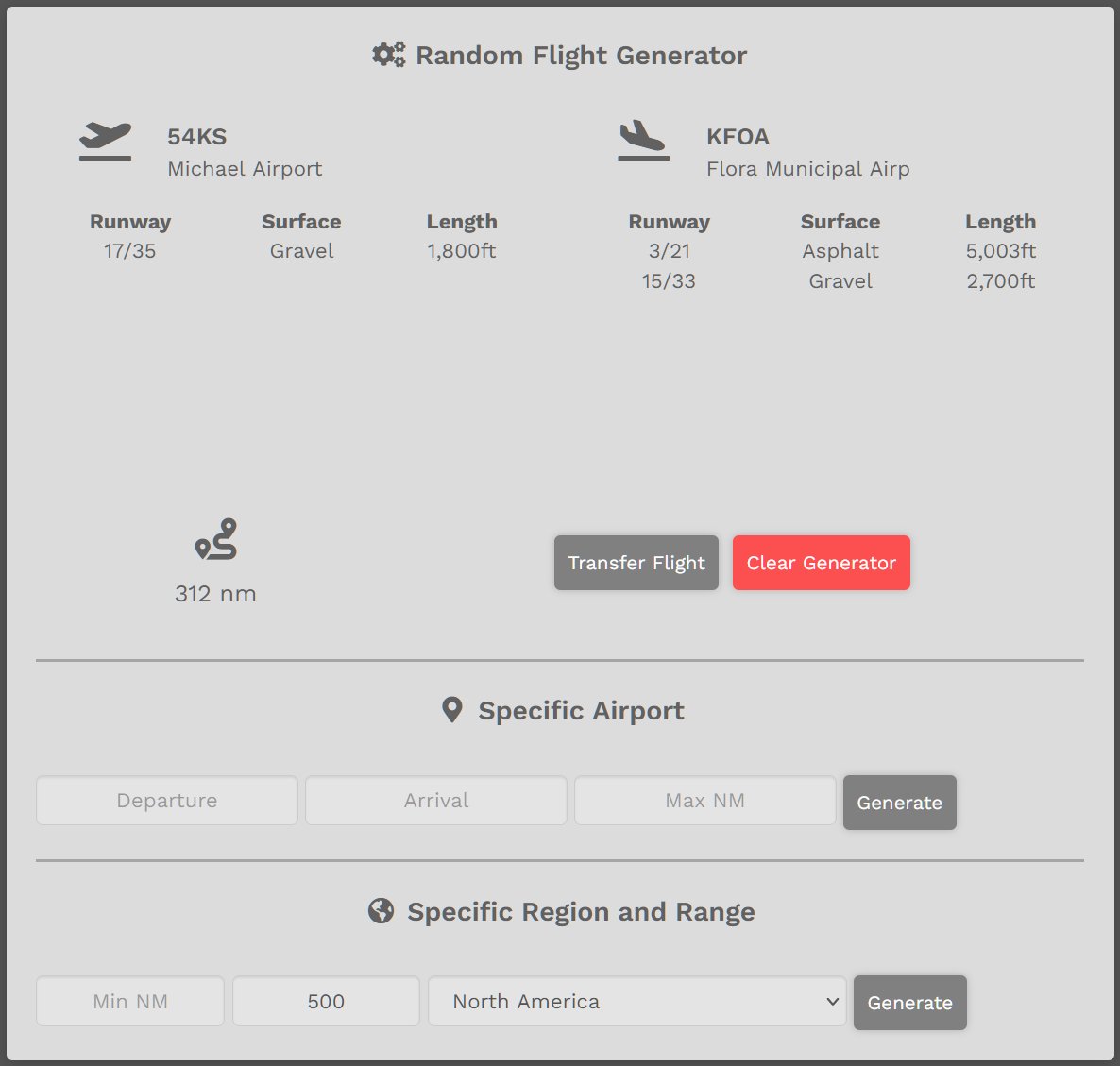
To clear all entries, click the Clear Generator button – or – refresh the page.