
Cargo
The Cargo Flight Module gives Pilots an opportunity to experience life as a 'Freight Dog' for a cargo airlines.
If you wish to depart from another location, purchase a Jumpseat Ticket to transfer to another airport.
Finding a Cargo Flight
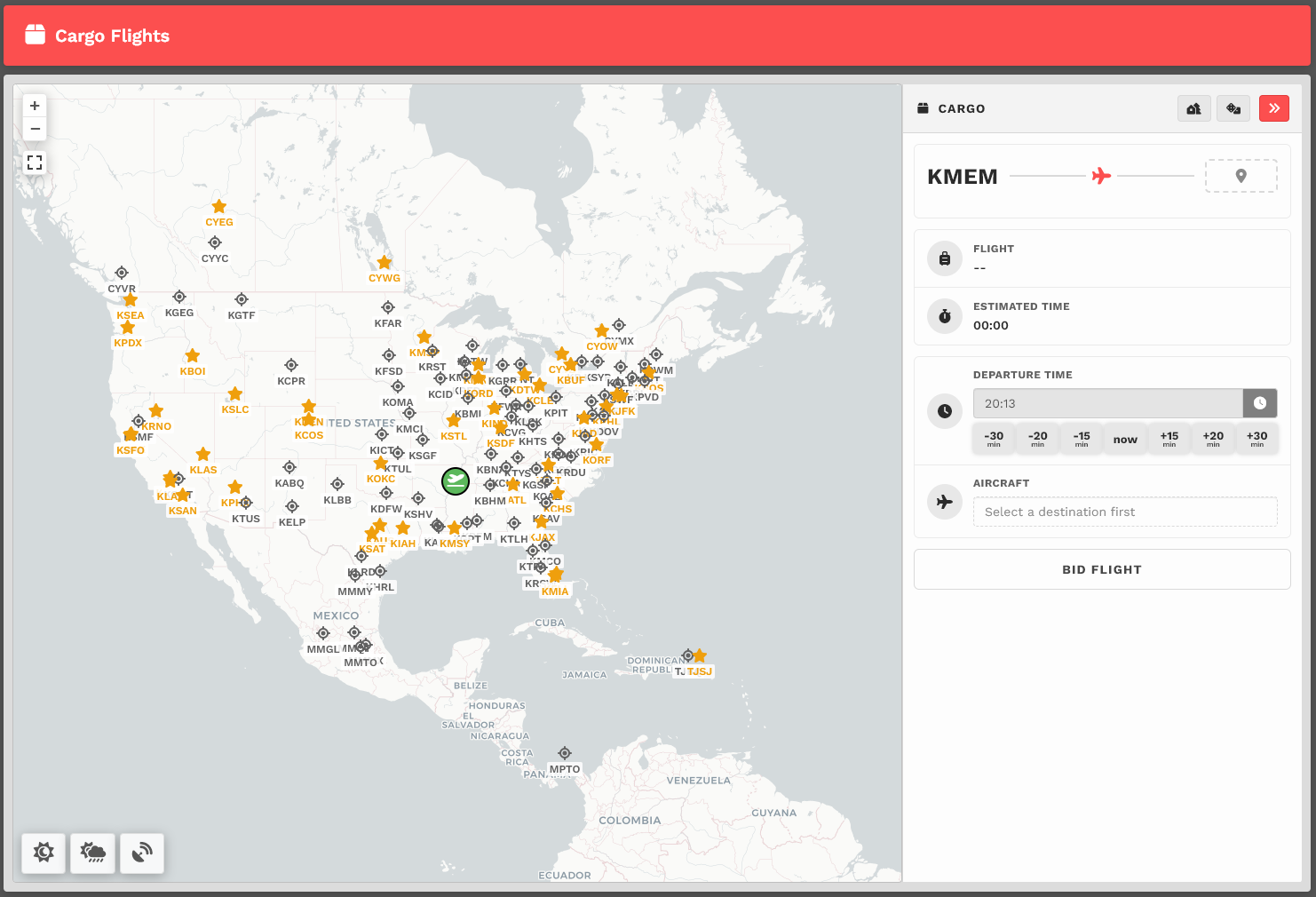
Upon arrival, you'll be presented with a map. You'll see a departure icon (Green Map Pin) and 1 or more arrival pins (Black Dots), as well a Toggle Sunrise/Sunset, Toggle Weather, and Toggle VATSIM buttons at the bottom left of the screen.
The map seen above represents its default view. To see the rest of the world, place your cursor on the map and, with your control wheel, zoom in or out.
The departure location for your next flight is set as follows:
| New Pilots | All Other Pilots |
| New Pilots taking their first flight depart from the Home Airport they requested on registration. |
The Arrival Airport of your last Cargo or Scheduled flight. |
Mouse over the markers to see the names of the airports with flights available from your departure airport. You may also click the dashed arrival spot and search for an available airport.
Once you find a place to which you'd like to fly, click on its marker. Lets use KMEM> KBOI as an example.
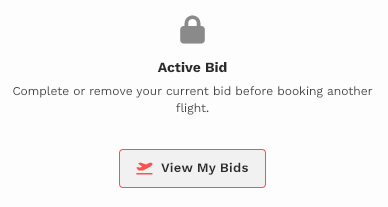
| IMPORTANT :: You may only Bid a new Cargo flight when no other Cargo Flights have been bid. If you have already bid another flight – or – that flight is already in progress, you'll see this message. You must complete the flight or cancel it in order to bid a new one. |
|
You'll then see your Flight Bid appear listing the Flight Number, Distance and Estimated Time Enroute.
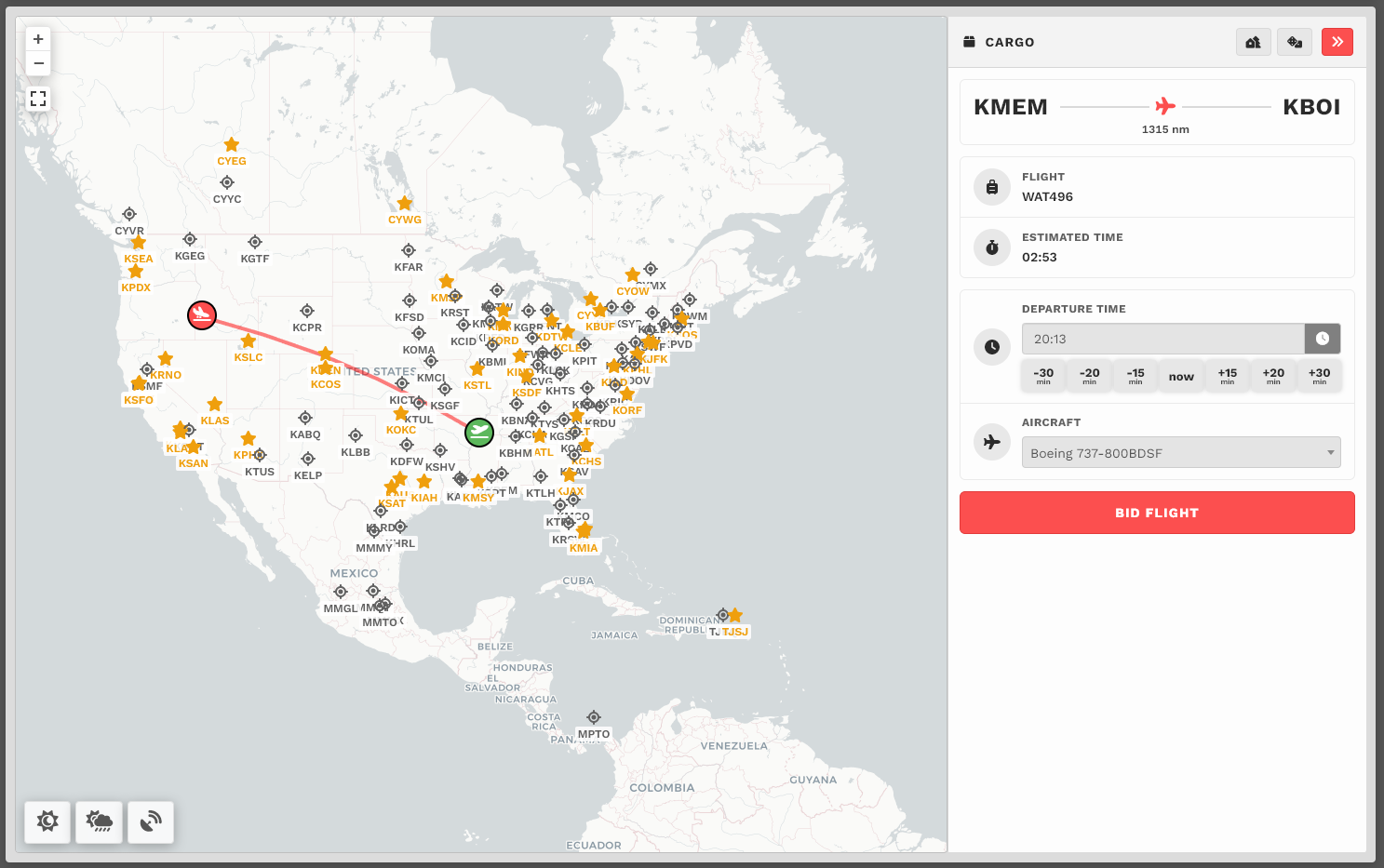
The Estimated Time Enroute is only an estimate and does not reflect the time in the aircraft you select.
Bidding a Cargo Flight
Choose your aircraft.
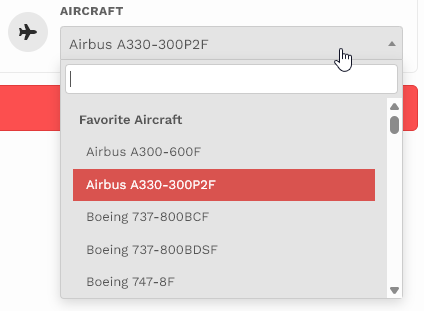
And then click Bid Flight.
