
Cargo
The Cargo Flight Module was implemented to give Pilots an opportunity to experience life as one of the most necessary roles in aviation. It's a system identical to our 'Scheduled Flights' in which it requires the Pilot to depart from their last location.
There are 213,542 routes available to you worldwide.
If you wish to depart from another location, you can purchase a Jumpseat ticket to transfer to another airport.
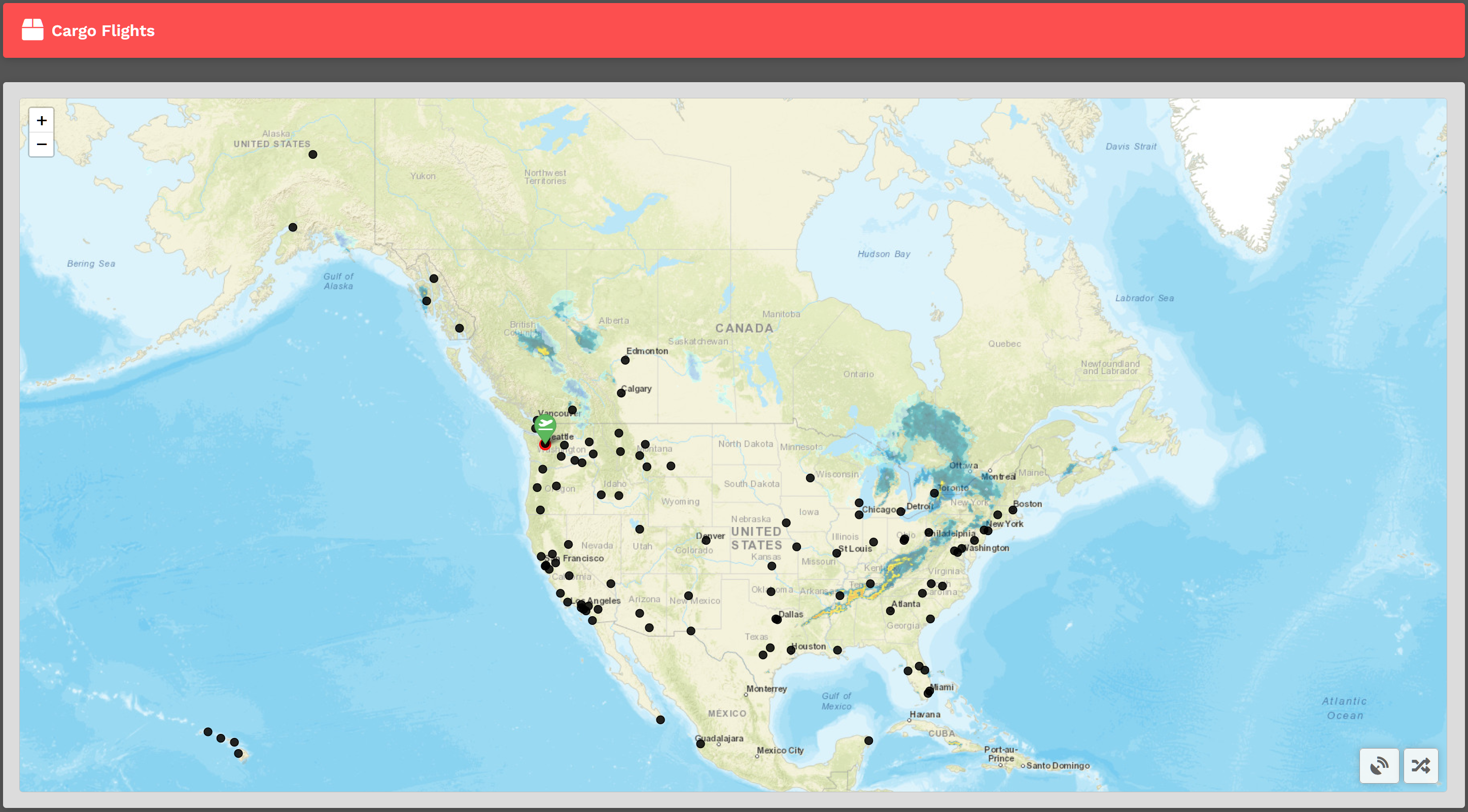
When you arrive to the Cargo Flights page, you' ll be presented with a map. You'll see a departure icon and 1 or more arrival pins, as well a Select Random Arrival button at the bottom right.
Your departure location is set in one of two ways;
- New pilots taking their first flight depart from the hub they requested on registration; or,
- Your last cargo or scheduled flight arrival airport.
Mouse over the pins to see the name of the airports available; once you find a destination you'd like to fly to click on the black dot. You will then see your flight bid at the bottom left of the map appear listing the Flight Number, Distance, and Estimated Enroute Time (this is an estimate and does not reflect the aircraft you decide to fly.)
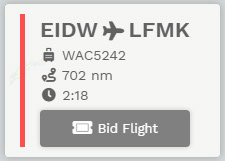
How do I bid? Simply click the Bid Flight button.
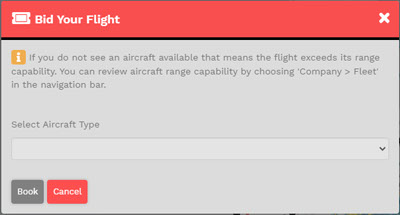
A confirmation window will appear asking you to select an 'Aircraft Type'. We allow the Pilot to chose their preferred aircraft type rather than be restricted to one assigned to the flight.
Only aircraft that can fly the distance for the chosen flight will be shown.
After you have selected your aircraft, click Book. Doing so will add that flight to your Bids.