
Pilot Profile – Settings > Worldwide Persistence
Worldwide Persistence
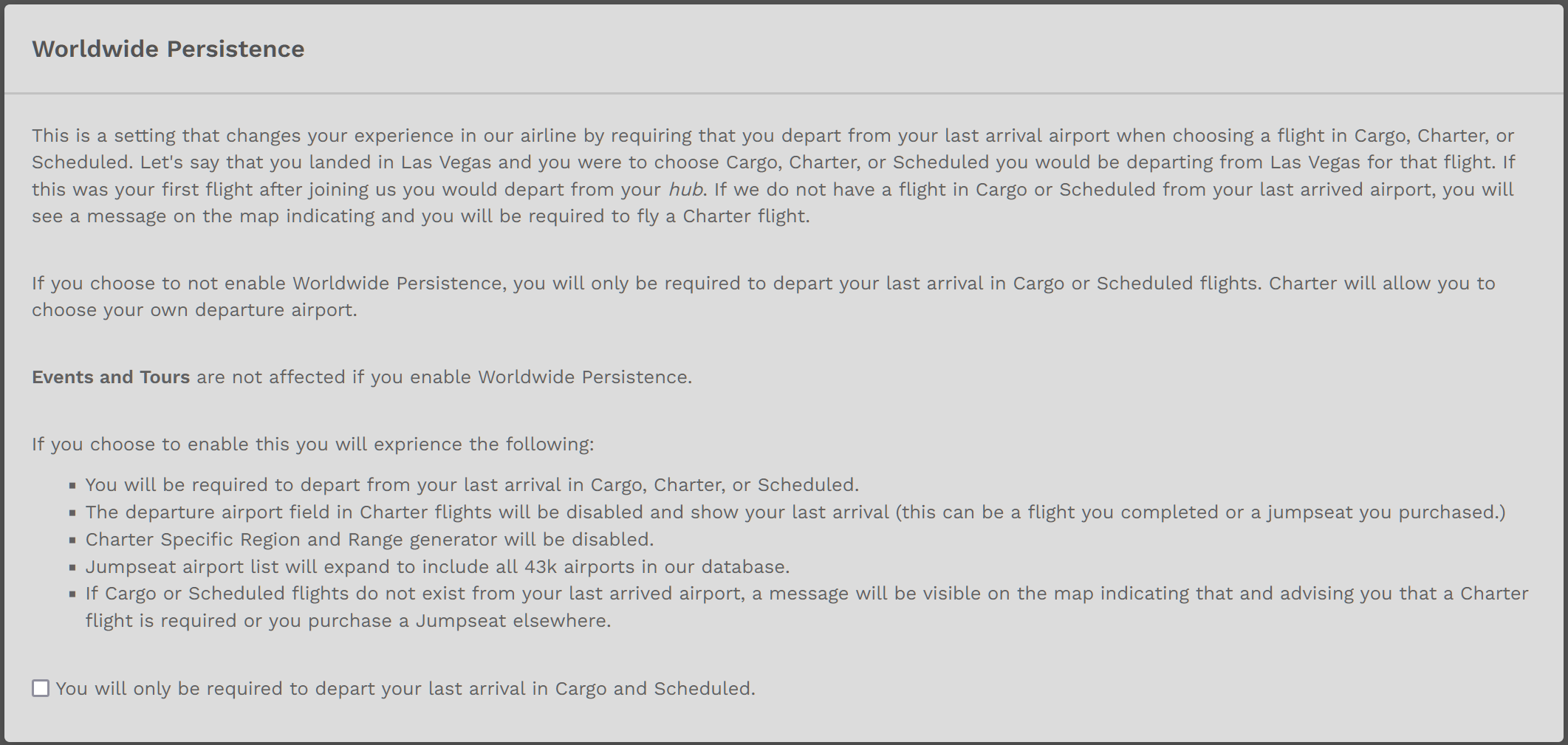
The explanation within the image below explains Worldwide Persistence.
To Enable this option, click the small check box at the bottom of the image. Click the Save Settings button at the bottom of the page to save it.
To Disable this option, click the small check box at the bottom of the image. Click the Save Settings button at the bottom of the page to save it.
| With Worldwide Persistence... | ... the Destination Airport Search Box... |
| On | Enabled | will show every airport in our database. |
| Off | Disabled | will only show airports for which a Cargo or Scheduled flight exists. |
If you do not click the Save Settings button, the option you selected – Enable or Disable – will not appear.
Enable / Disable Option – Within Charter Flight Bid
You may also Enable or Disable Worldwide Persistence when creating a Bid for a Charter Flight by clicking the button beside Worldwide Persistence – as shown in the image below.
Reference: https://crew.walkerair.us/charter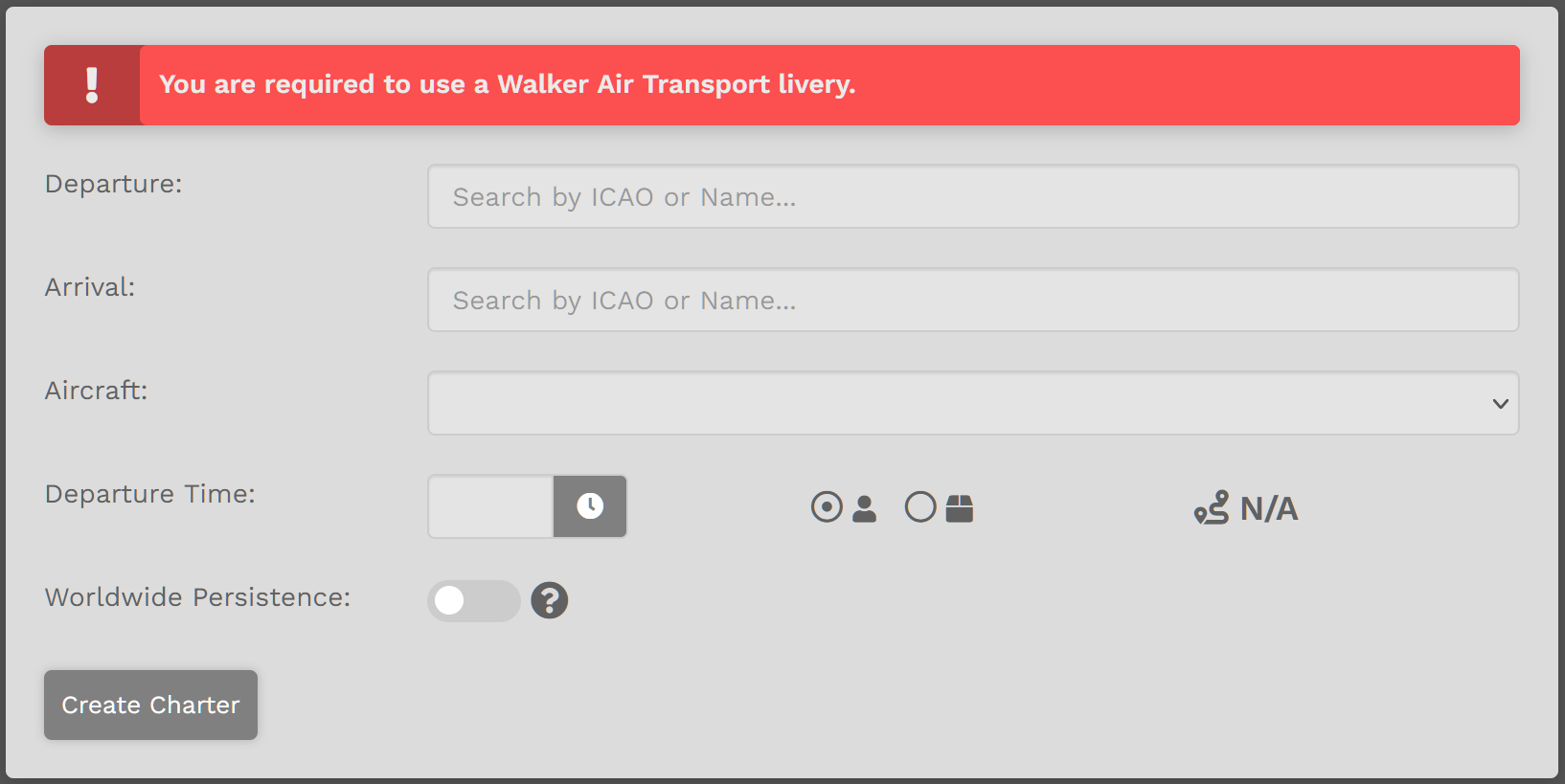
| With Worldwide Persistence... | ... the Destination Airport Search Box... |
| On | Enabled | will show every airport in our database. |
| Off | Disabled | will only show airports for which a Cargo or Scheduled flight exists. |