
Pilot Profile – Discord
Clicking on Discord will open an invitation for you to join the Company’s Discord. While not mandatory, all Pilots are strongly encouraged to join. The Pilot Community there is very active and all are welcome – as active participants or ‘lurkers’. It’s the best and fastest way to keep with the Company’s operations.
Already Joined Discord?
If you've already joined Discord and click on Discord, the box below will open.
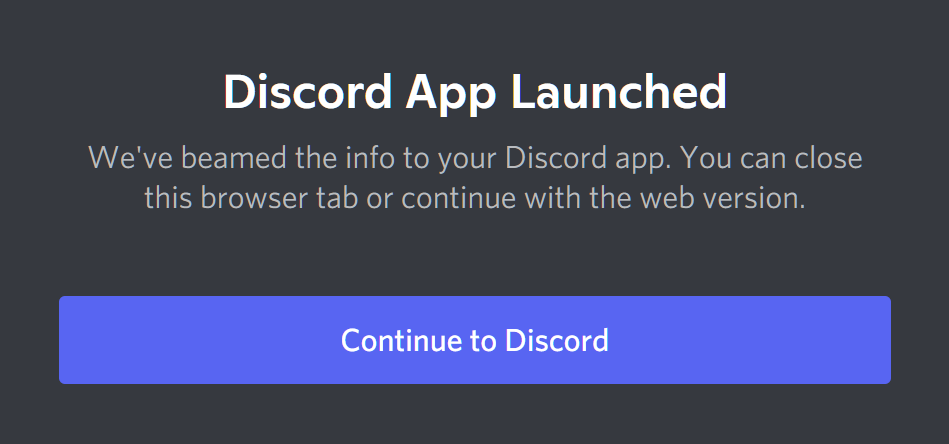
Click the Continue to Discord button.
In the new screen that opens, follow the prompts to gain access to the Company Discord.
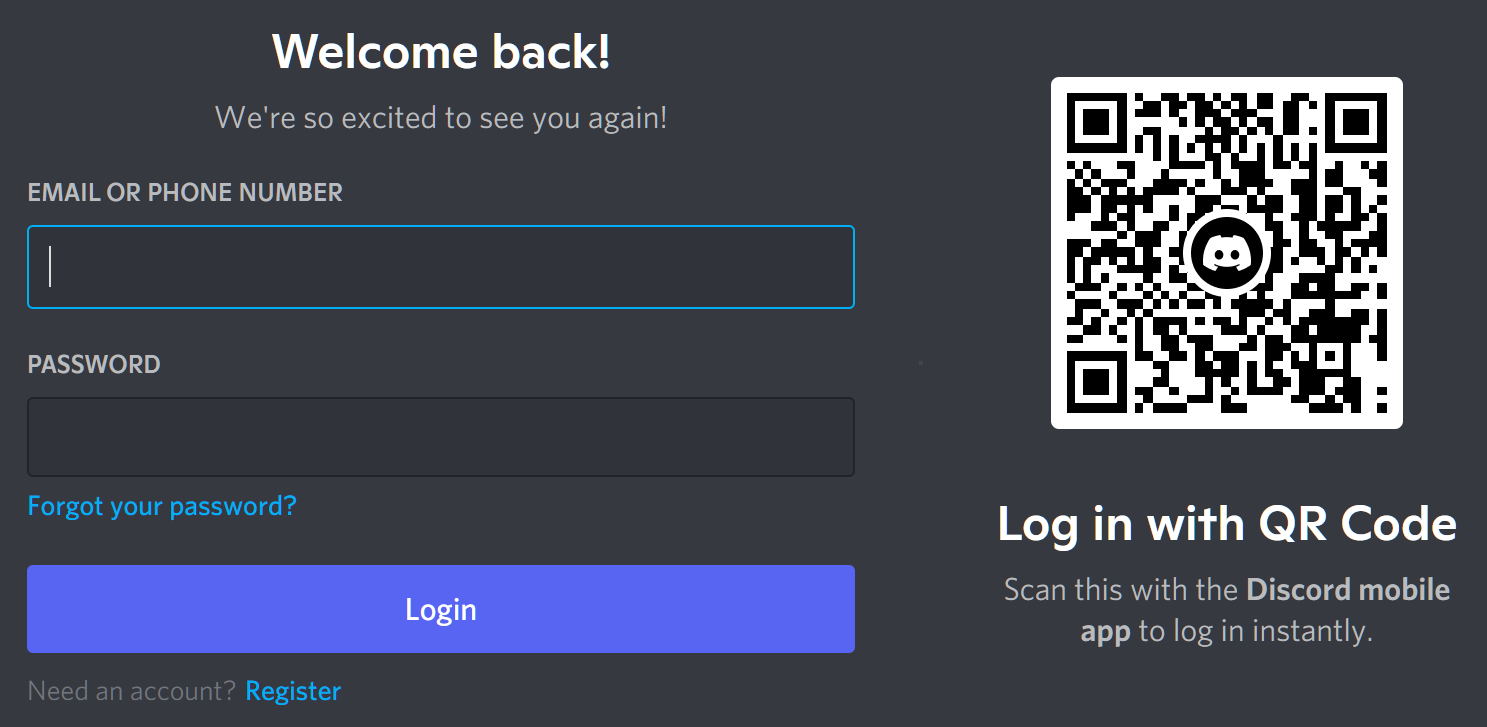
First Time Accessing Discord?
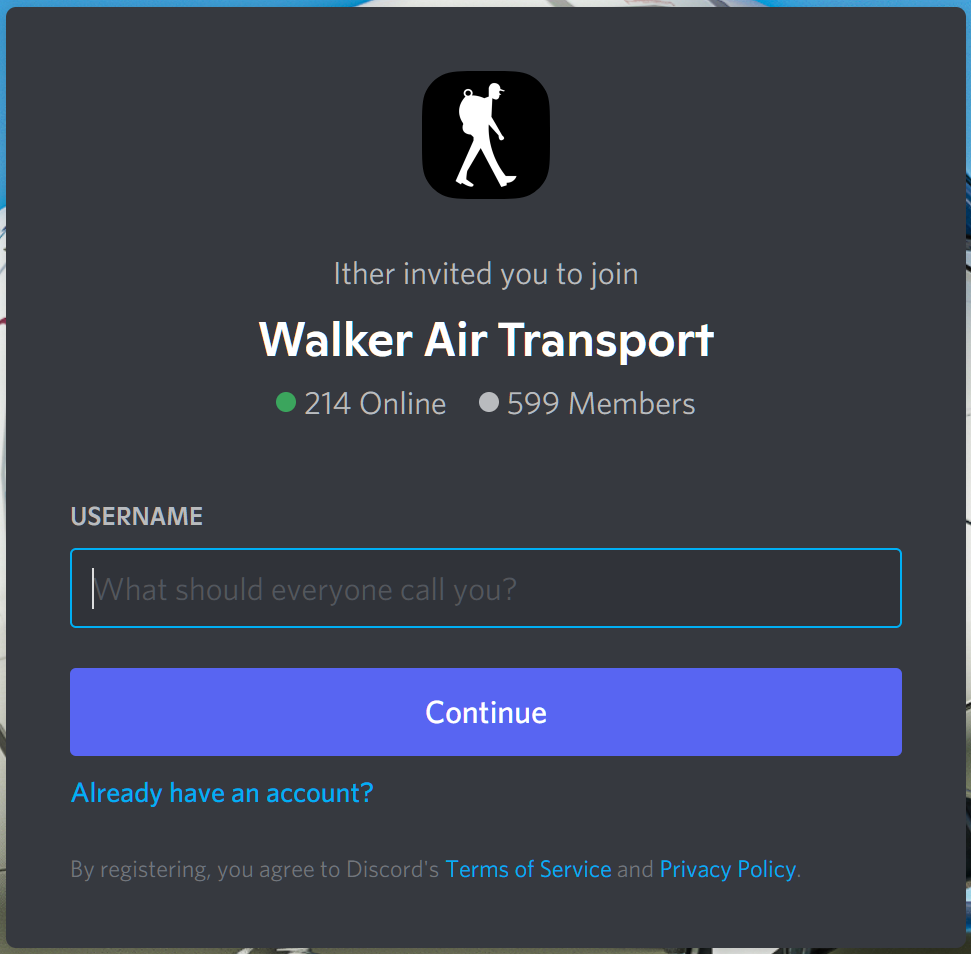
Click Discord in the menu. The screen below will open. In the USERNAME Text Box, enter the name by which you'd like to be known/called.
Click the Continue button.
At this point, you'll be presented with a number of additional screens related to security and account setup. Follow the prompts you're given. Eventually, you'll reach this screen.
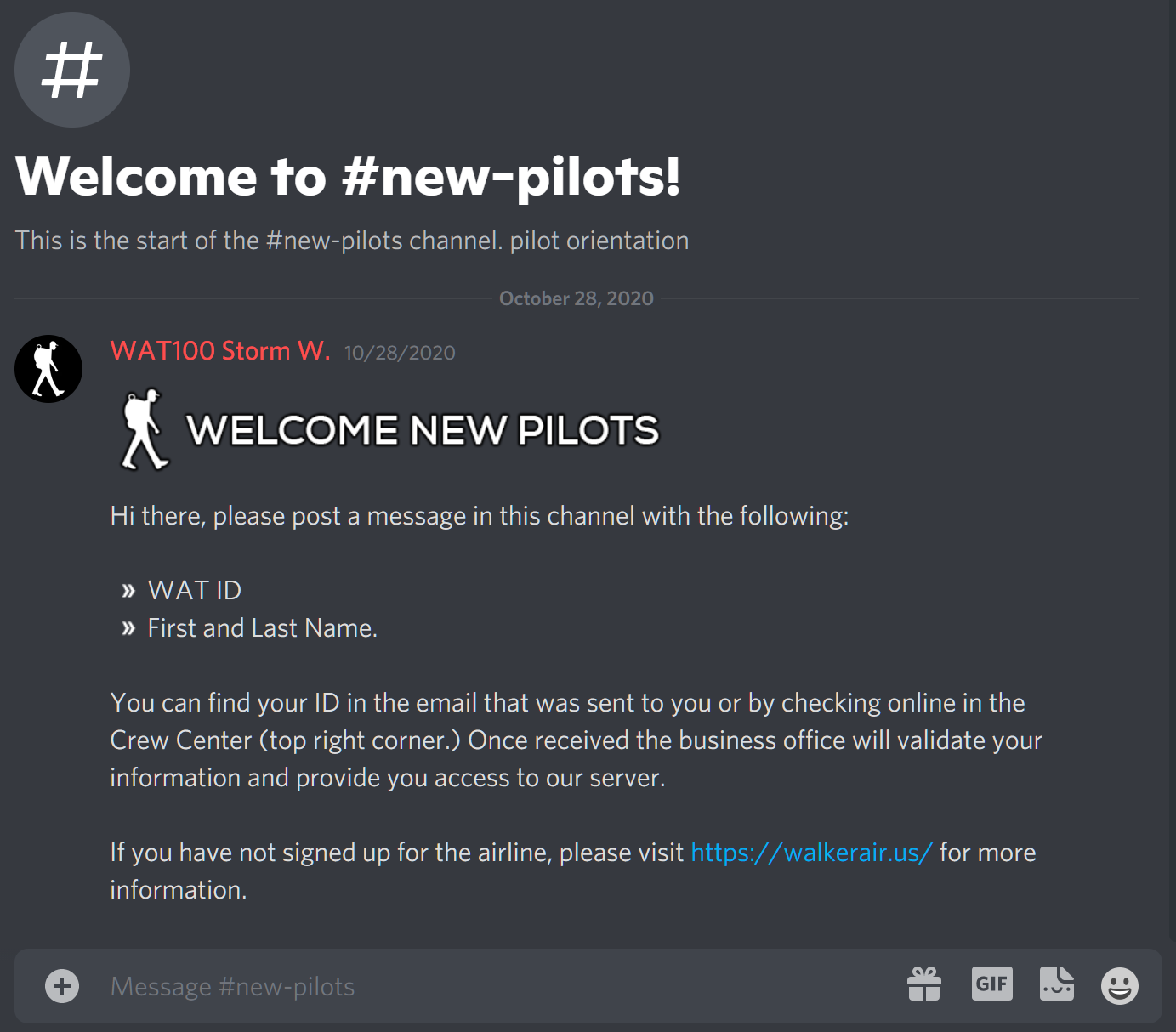
As instructed, enter the Pilot ID you were given in the Acceptance Email you received and your first and last name.
EXAMPLE: Storm Walker, WAT100

Touch the Enter key. Soon afterwards, your presence will be acknowledged by a member of the Business Office or a Marshaller.
You'll then see this message in the #general channel.
This is an example of what WAT1722WAT1667 received.
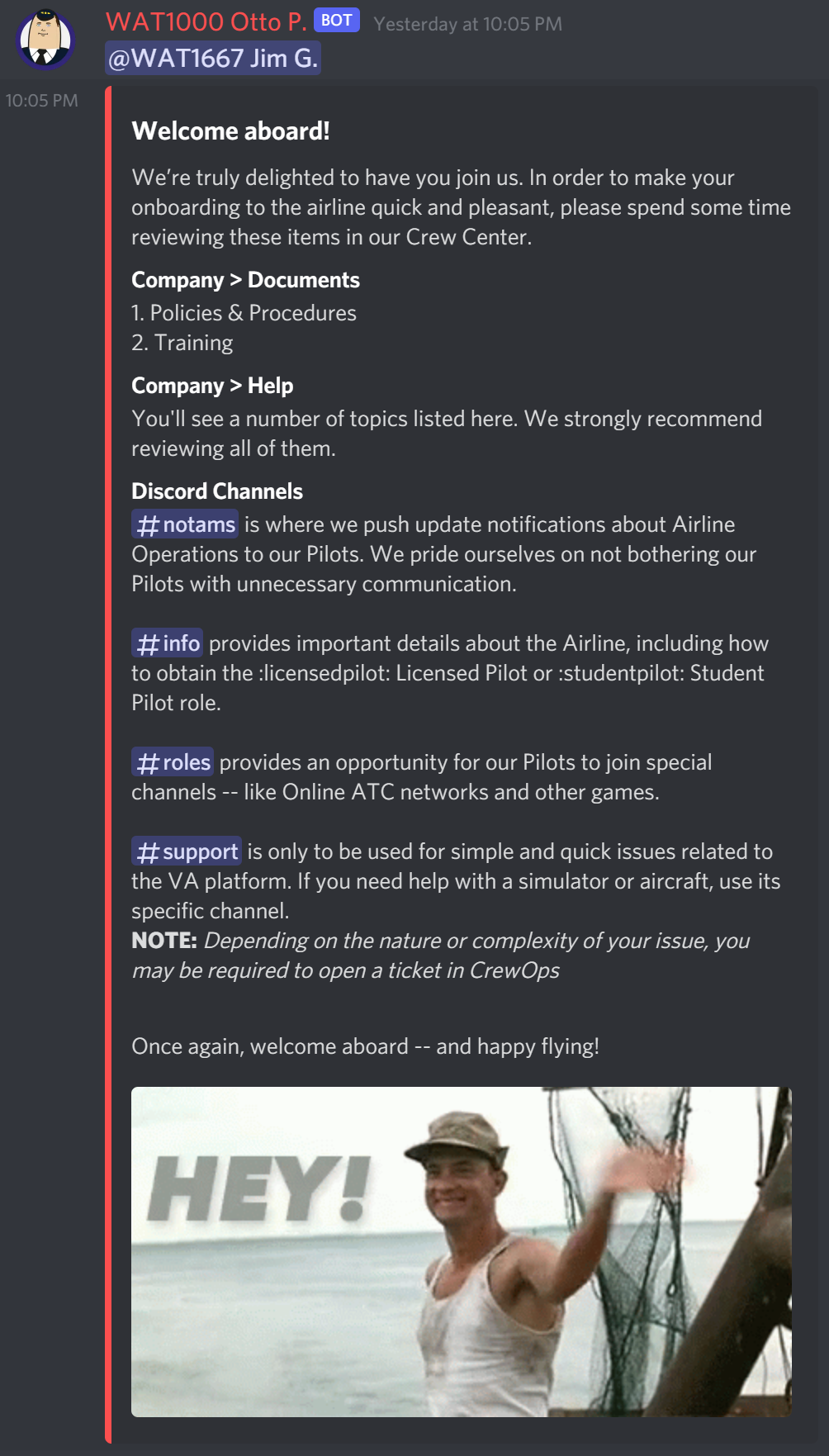
Review its contents carefully and make your onboarding quicker and easier by completing the reading you're asked to do.
You're all set to go in our Discord. Click through the channels to familiarize yourself with what's there.
Whether just lurking or being an active participant – or simply finding a place somewhere in between – we encourage you to engage with your fellow Pilots at a level of involvement with which you're comfortable.