
Flying Your First Flight
We've covered all of the supportive areas. Now, it's time to bid your first flight and fly it.
Log In To The Crew Ops Website
|
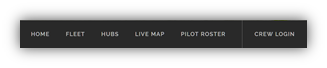
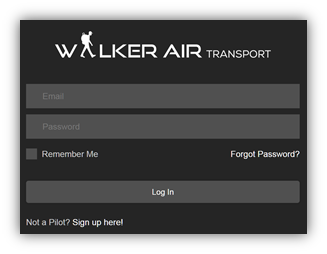
Go to https://walkerair.us/. Click Crew Login in the Navigation Bar. After doing so, the login box will appear. |
|
|
Enter your Email address and Password in the spaces provided.
If you wish to have the website remember you, click the box beside Remember Me. Click the Log In button. |
|
Determine Your Flight Profile
Once logged in to the Crew Ops website, you need to determine what kind of a flight you want to make.
Cargo
To plan and fly a Cargo Flight, click the link below and follow the instructions.
LINK:
Charter
To plan and fly a Charter Flight, click the link below and follow the instructions.
LINK:https://docs.walkerair.us/books/help/page/charter
Scheduled
To plan and fly a Scheduled Flight, click the link below and follow the instructions.
LINK:https://docs.walkerair.us/books/help/page/scheduled
Determine Your Flight Route
Open Your Flight Simulator
Open your Flight Simulator