
The Navigation Bar – Flights > Search
On this page, you'll be able to Search for a flight in our database by Flight Operation, Departure Airport and Arrival Airport.

| From the Flight Operation dropdown, select All, Cargo or Scheduled. |
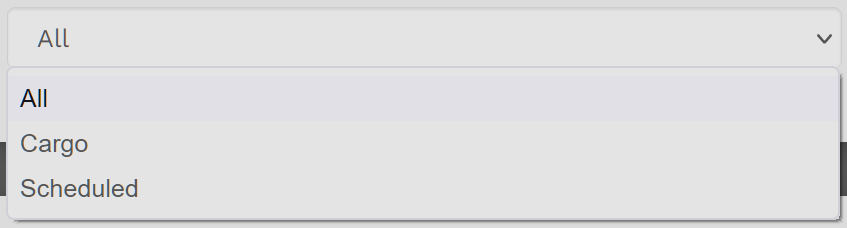
For illustration purposes, let's select Cargo.

Let's say we have a specific Departure Airport in mind – KASE Aspen Pitkin Country Sardy Field.
Enter it in the Text Box.
NOTE: The process used to find Flights using a Departure Airport or an Arrival Airport is the same.

After a moment of processing, all Cargo flights originating from KASE are listed.
NOTE: To save space, only a small number of those available flights are displayed in the screenshot below.
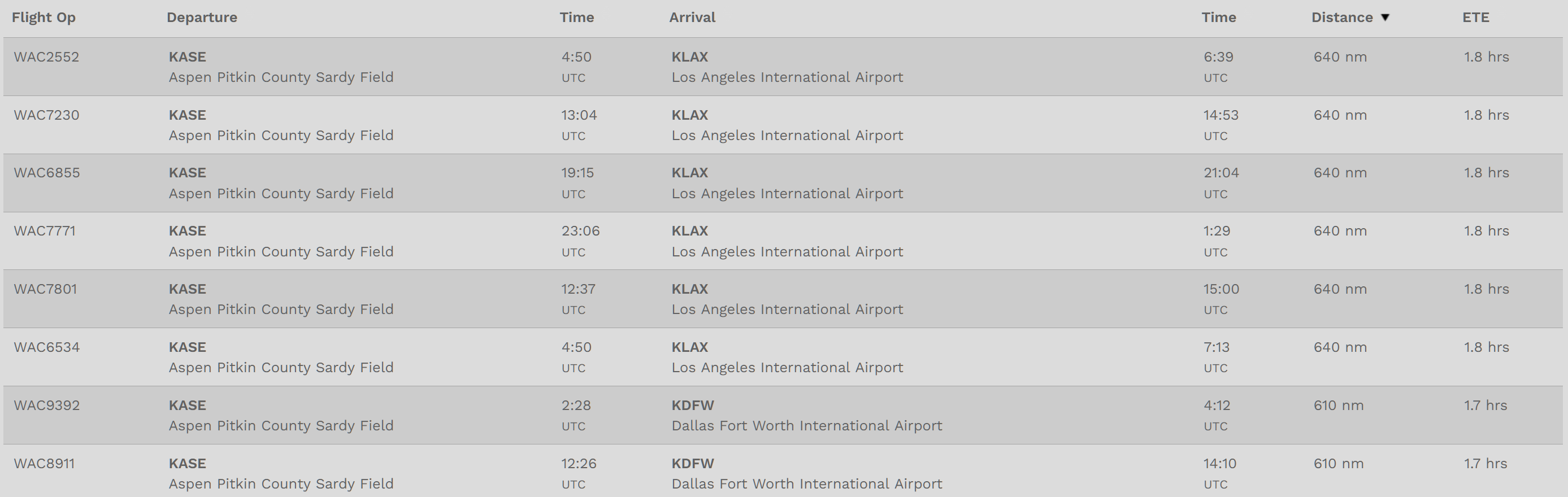
Scrolling to the bottom of the page, you can see the total number of flights available. For KASE, there are 72 Cargo Flights available.

For convenience, each column in the database can be sorted.
This information may then be used as an aid in your Flight Planning.