
Downloads > Liveries
Active
When flying for the Company using ACARS, all aircraft are to be flown in Company ‘colors’.
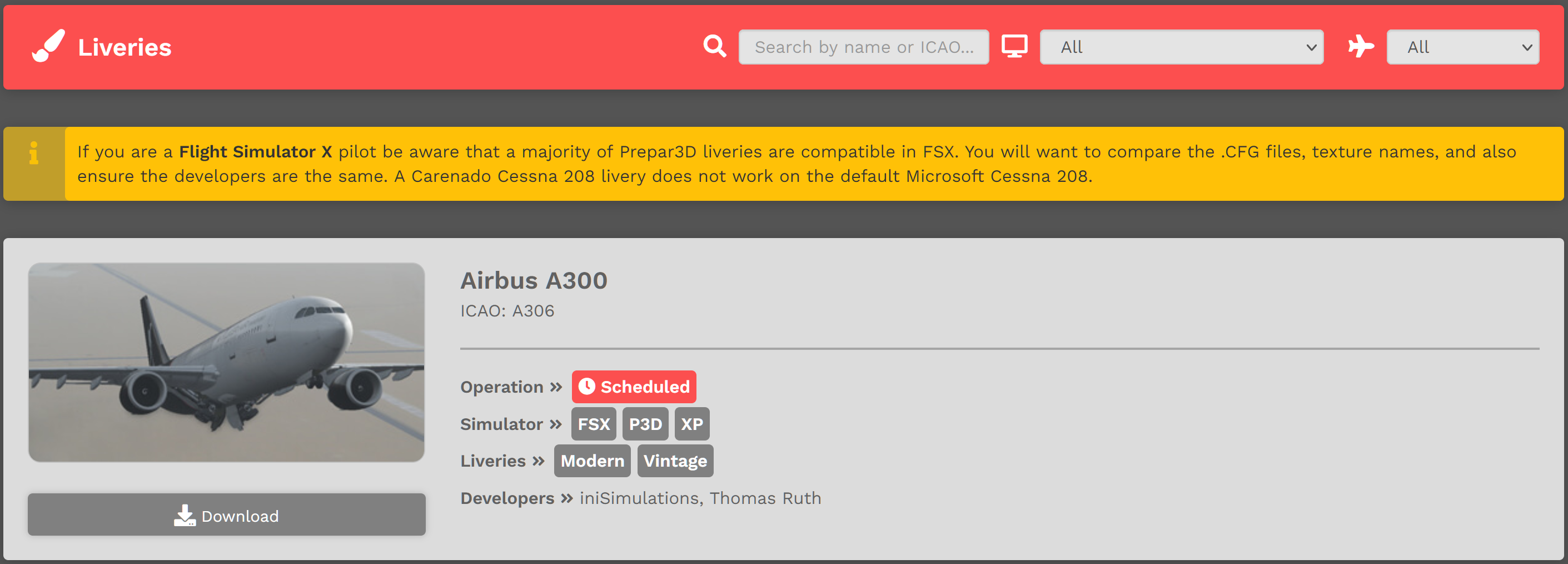
Custom-designed, Company-branded liveries for all Fleet aircraft can be found and downloaded here.
To locate a livery for a specific aircraft, enter its name or ICAO Code in the Text Box next to the magnifying glass icon.
Liveries are also searchable by Flight Simulator and Company Fleet.
Downloading and installing liveries is covered elsewhere in our documents. Instructions for doing so may be found at these links:
| Cargo | Download & Install a Cargo Aircraft Livery |
| Charter | Download & Install a Charter Aircraft Livery |
| Scheduled |
Retired
When flying for the Company using ACARS, all aircraft are to be flown in Company ‘colors’.
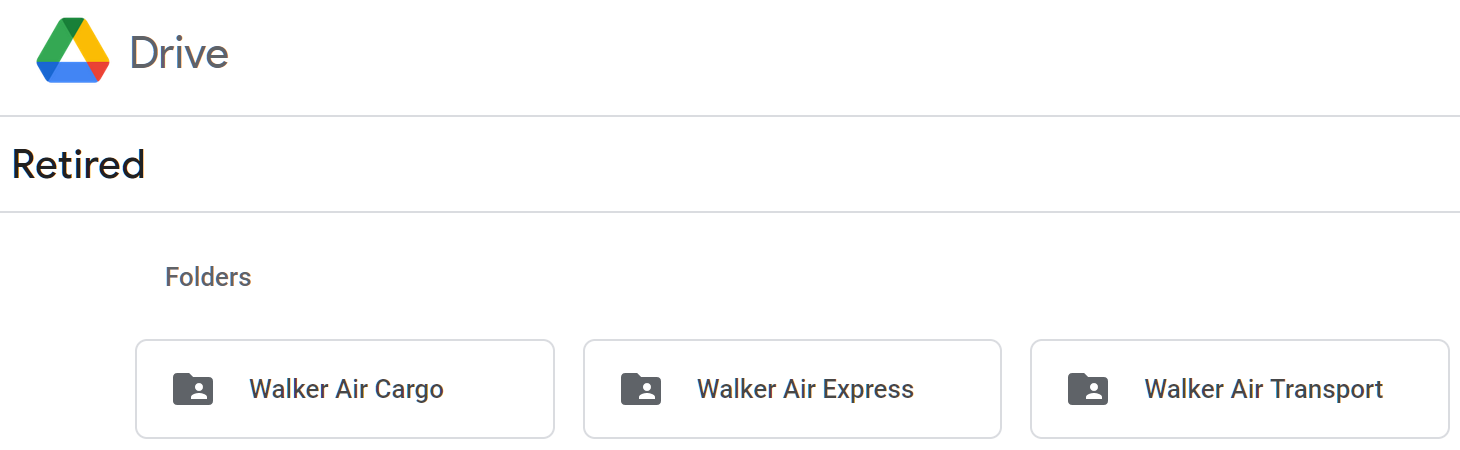
A number of the Company's Custom-designed, Company-branded liveries have been formally retired; however, they may still be used. As seen in the image below, the liveries are organized by Fleet. To view the Retired Liveries for a Fleet, click on its Folder.
 |
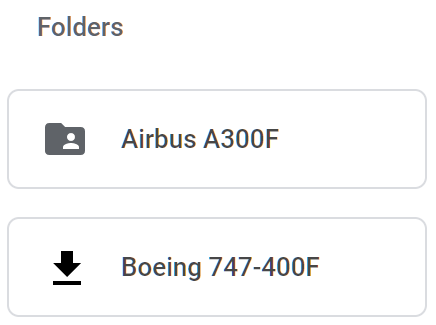
Within each Fleet folder, individual aircraft will have their own folders – like those illustrated below from the Cargo folder.
 |
Downloading and installing liveries is covered elsewhere in our documents. Instructions for doing so may be found at these links:
| Cargo | Download & Install a Cargo Aircraft Livery |
| Charter | Download & Install a Charter Aircraft Livery |
| Scheduled |
Special
When flying for the Company using ACARS, all aircraft are to be flown in Company ‘colors’.
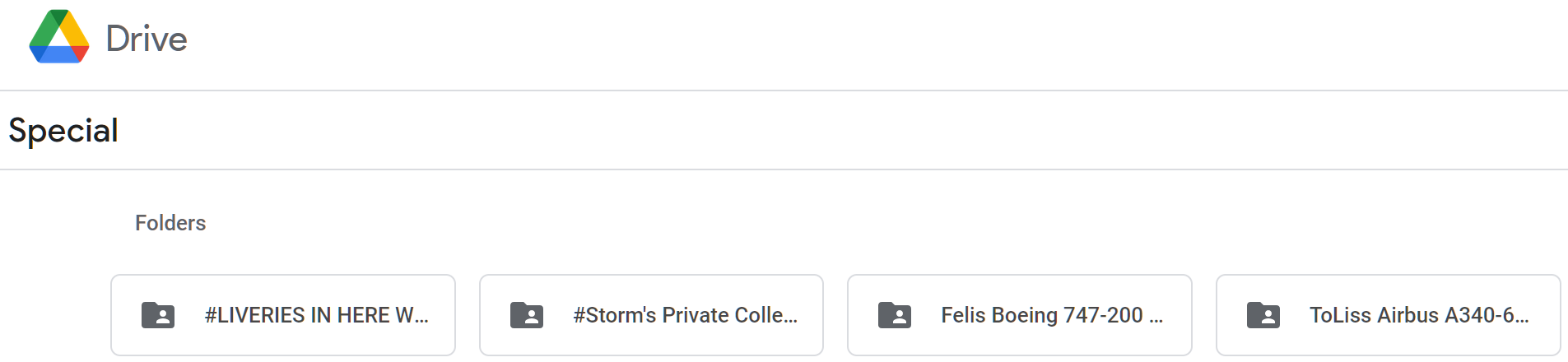
On very special occasions, a Custom-designed, Company-branded livery may, at the sole discretion of Executive Management, be created. To view a Special Livery, click on its Folder.
 |
Downloading and installing liveries is covered elsewhere in our documents. Instructions for doing so may be found at these links:
| Cargo | Download & Install a Cargo Aircraft Livery |
| Charter | Download & Install a Charter Aircraft Livery |
| Scheduled |