Scheduled
Scheduled Flights are as close to realistic airline flying thatas we can provide. It requires a pilotPilot to depart from their last arrival or hub if it's their first flight.
There are currently 426,503 routes available to you worldwide.
If you wish to depart from another locationlocation, you may purchase a jumpseatJumpseat ticketTicket to transfer to another airport. See that section below.
Where doDo I findFind it?a Scheduled Flight?
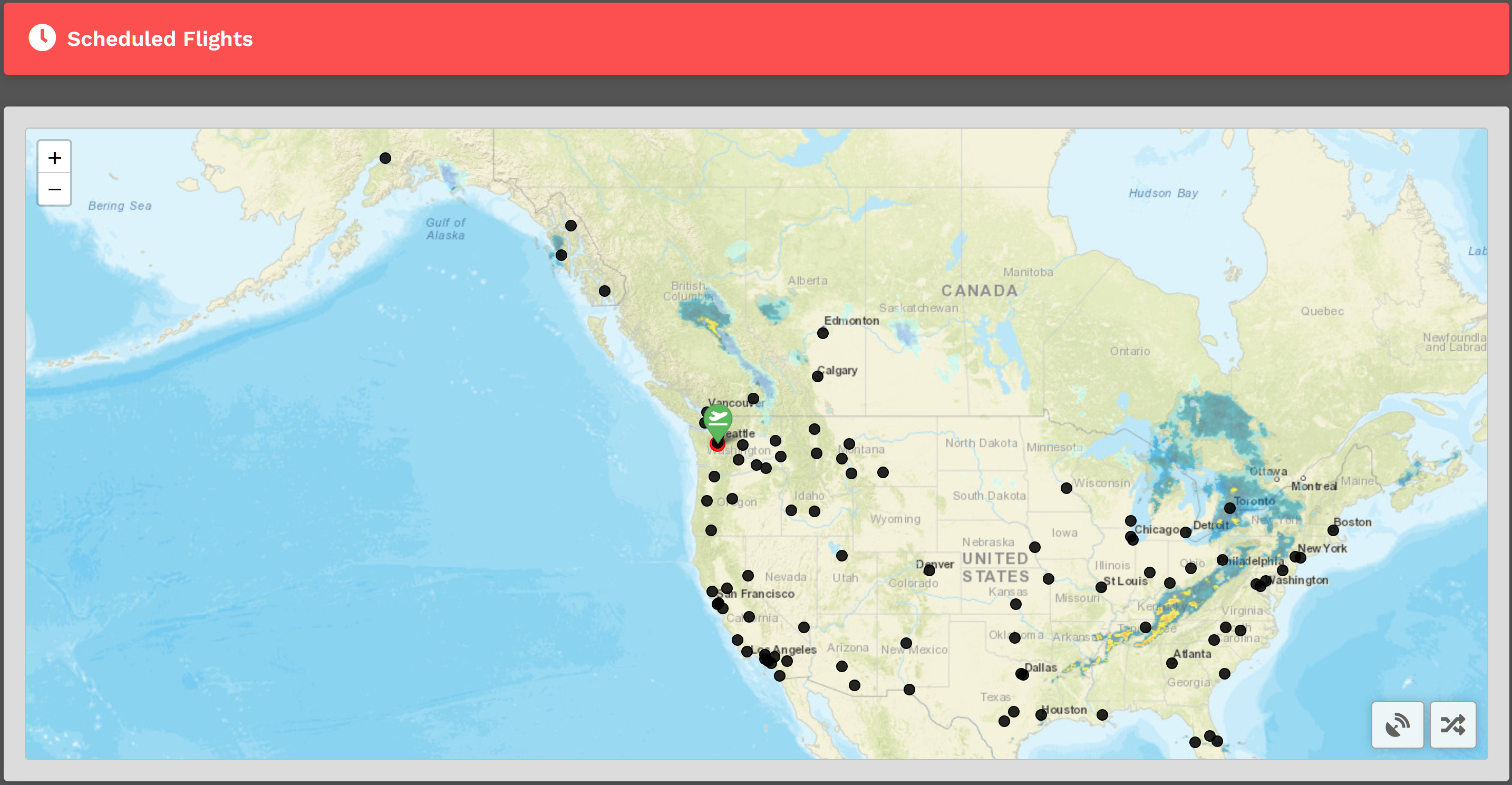
WhenUpon youarrival, arrive at Scheduled Flights page, you willyou'll be presented with a map. You willYou'll see a departure icon (Green Map Pin) and 1 or more arrival pins,pins (Black Dots), as well a "Toggle VATSIM and Select Random Arrival"Arrival button at the bottom right.right of the screen.
The map seen above represents its default view. To see the rest of the world, place your cursor on the map and, with your control wheel, zoom in or out.
YourThe departure location for your next flight is set in one of two ways;ways:
New pilotsPilots taking their first flight depart
from thehubHub they requested on registration.- The Arrival Airport of Your last
cargoCargo orscheduledScheduledflightflight.arrival airport.
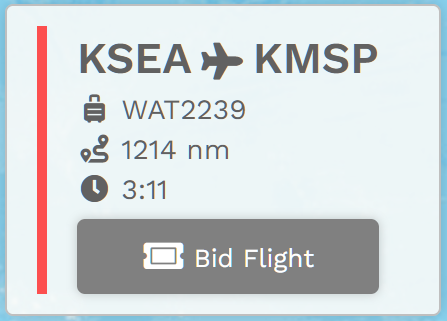
You can mouseMouse over thepins/black pinsdots to see the namenames of the airports available;with onceflights available from your departure airport. Once you find a destinationplace to which you'd like to fly tofly, click on theits black dot. You willYou'll then see your flightFlight bid at the bottom left of the mapBid appear listing the Flight Number, Distance,Distance and Estimated EnrouteTime Enroute.
The Estimated Time (thisEnroute is only an estimate and does not reflect the time in the aircraft you decide to fly.)select.
How doDo I bid?Bid a Scheduled Flight?
Click the Bid Flight button to bid on the flight.
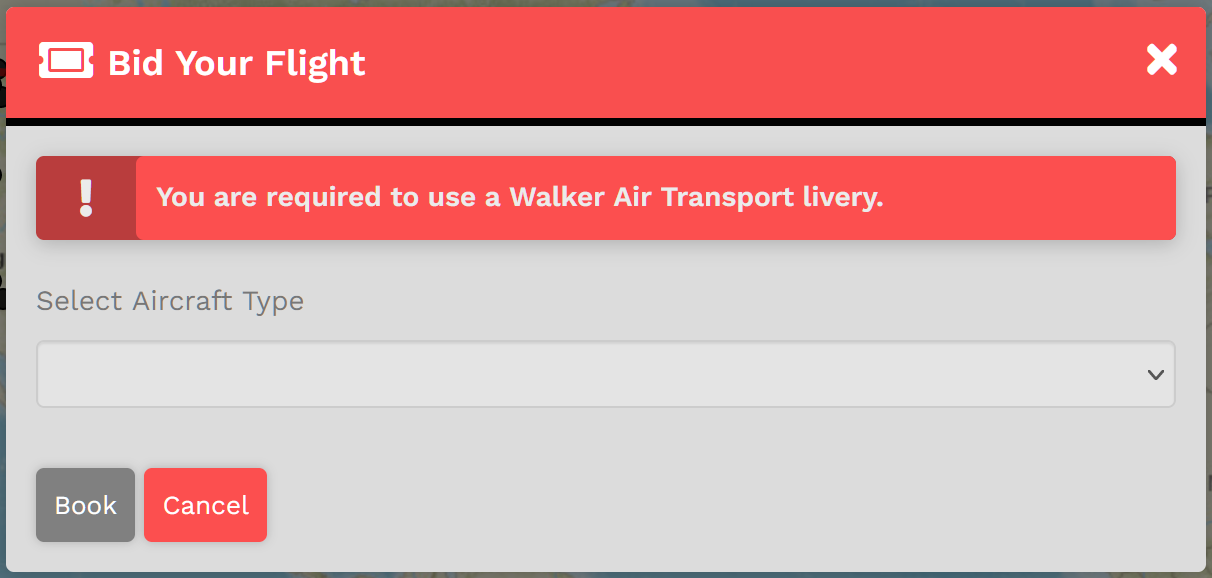
YouAfter willdoing now haveso, a confirmation window appearwill thatappear. isYou'll going to ask youneed to choose an 'Aircraft Type'. We allow the pilot to chose their preferred aircraft type rather than be restricted to one assigned to the flight.
Only aircraft thatcapable canof flyflying the distance forof the chosen flight will be shown.shown as options.
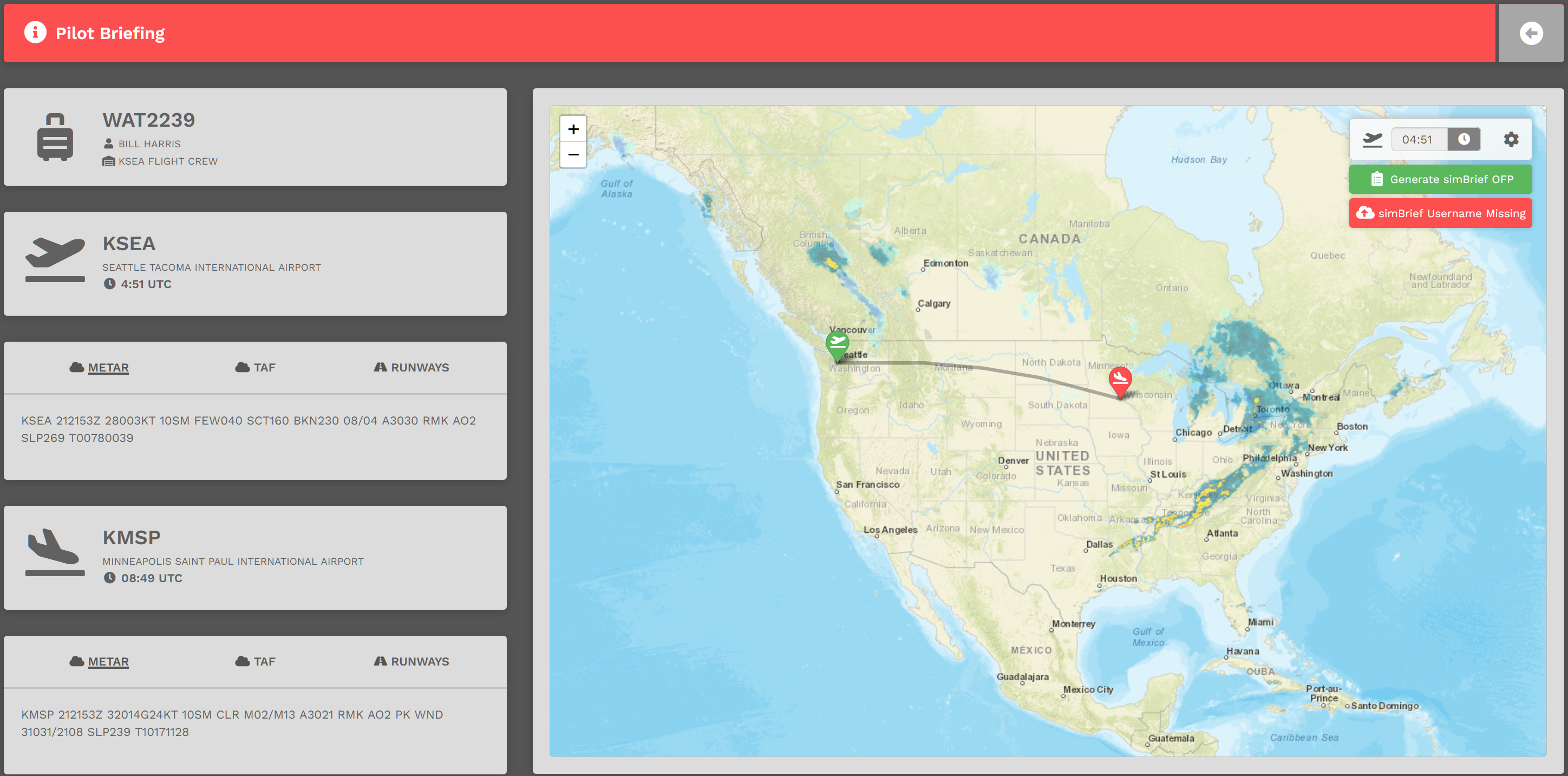
After you have selectedselecting your aircraftaircraft, click 'Book'Book. andThe Pilot Briefing will appear signifying the flight willhas bebeen added your bids.Bids.