
Pilot Profile – Settings > Site Settings
Calendar
You can choose which day to start your week in our event calendar.

Holiday Decorations
WithinThis allows you to either turn on or off our holiday decorations throughout the year.

Map
In this section, you can change the appearance of the toggleMap on the Home Page –and Enable or –Disable toggleWorldwide offPersistence ATC Network Events in a way that best suits you..
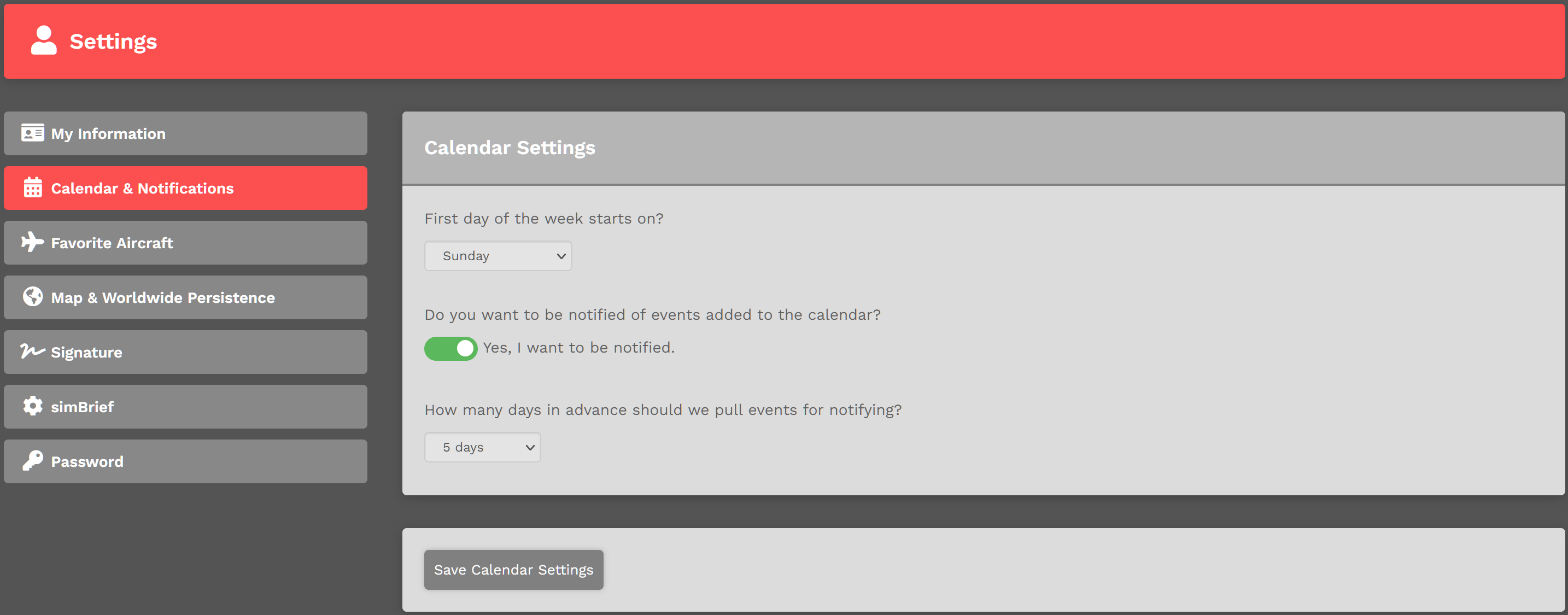
SelectTo theactivate firstthis day of your desired week – Sunday through Saturday – from those offered in the drop down menu.
Toggle the switch to indicate your notification preference. There are two (2) options available:


Select the number of days from those offered in the drop down menu indicating how many of them in advance an Event – 5 Days to 1 Day – will be displayed.Review your selections and make whatever adjustments you desire to make. Once satisfied with what you've done,option, click the Save Calendar Settings button.NOTE: button at the bottom of the page.

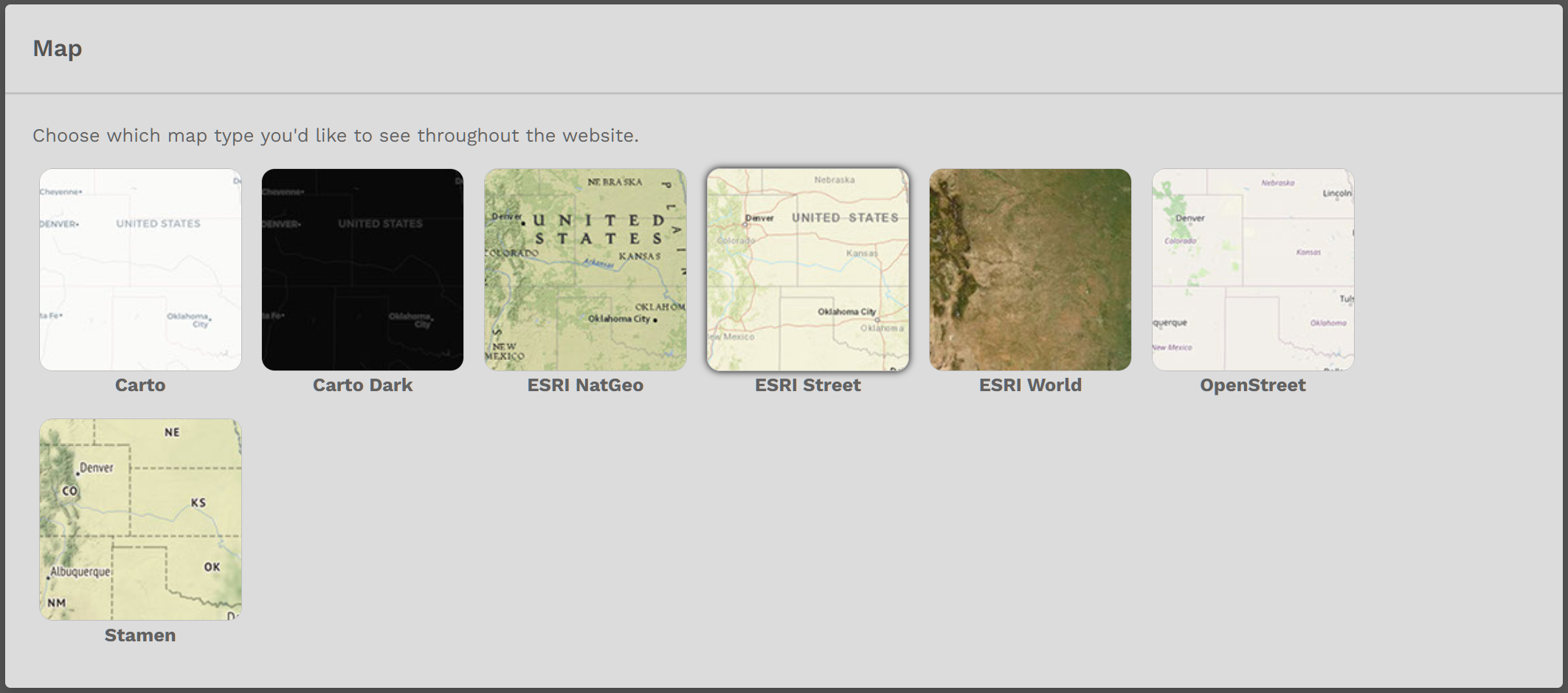
If you don'tdo not click the Save Calendar Settings button, your settingsMap Type you selected will not beappear.
To change thisyour setting,Map simplyType, return to this Settings pagesection and toggleclick offon the new Map Type you desire. Afterwards, click the NotificationSave SettingSettings . After doing so, you'll see this:button.
Worldwide Persistence
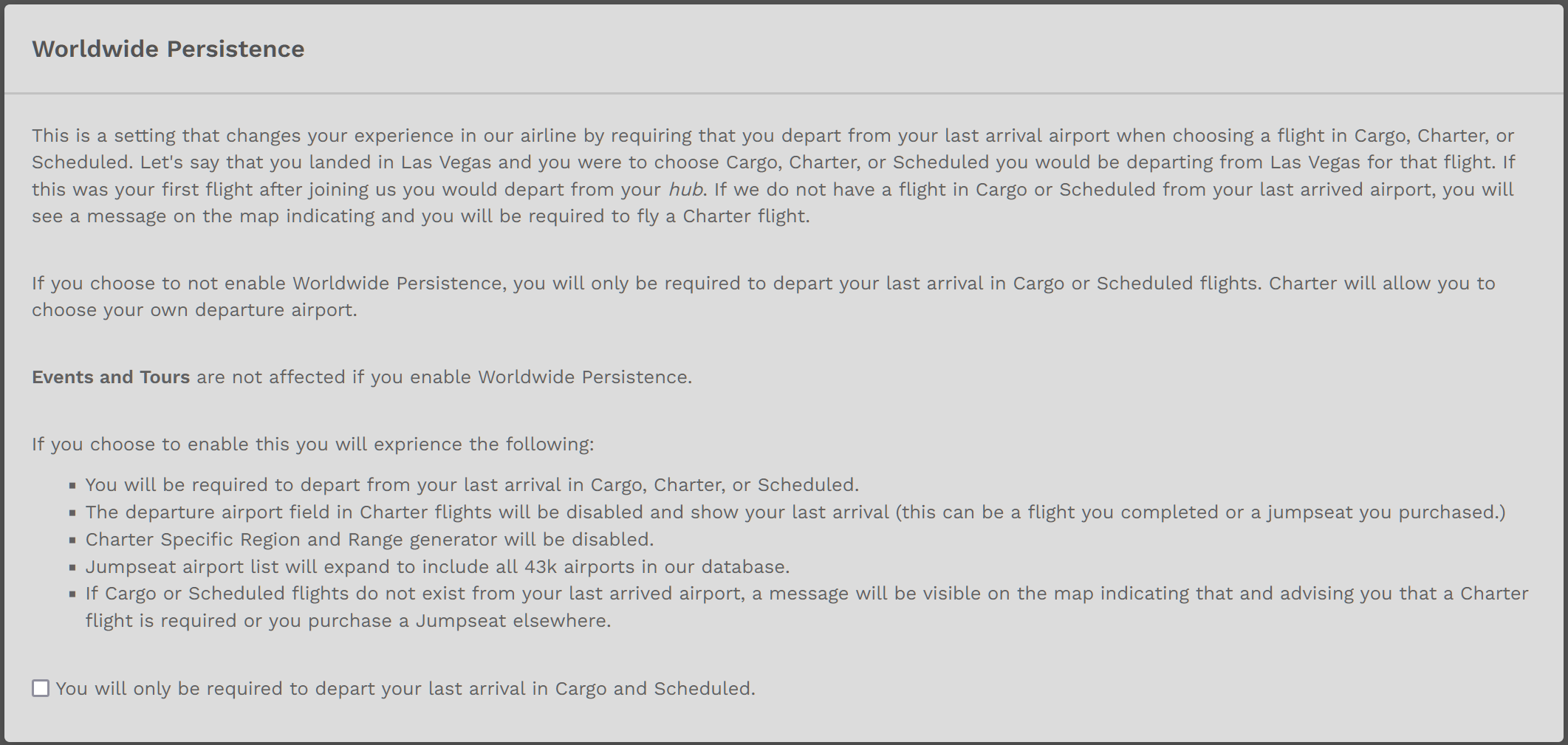
The explanation within the image below explains Worldwide Persistence.
To Enable this option, click the small check box at the bottom of the image. Click the Save Settings button at the bottom of the page to save it.
To Disable this option, click the small check box at the bottom of the image. Click the Save Settings button at the bottom of the page to save it.
| With Worldwide Persistence... |
If you do not click the Save Settings button, the option you selected – Enable or Disable – will not appear.
Enable / Disable Option – Within Charter Flight Bid
You may also Enable or Disable Worldwide Persistence when creating a Bid for a Charter Flight by clicking the button beside Worldwide Persistence – as shown in the image below.
Reference: https://crew.walkerair.us/charter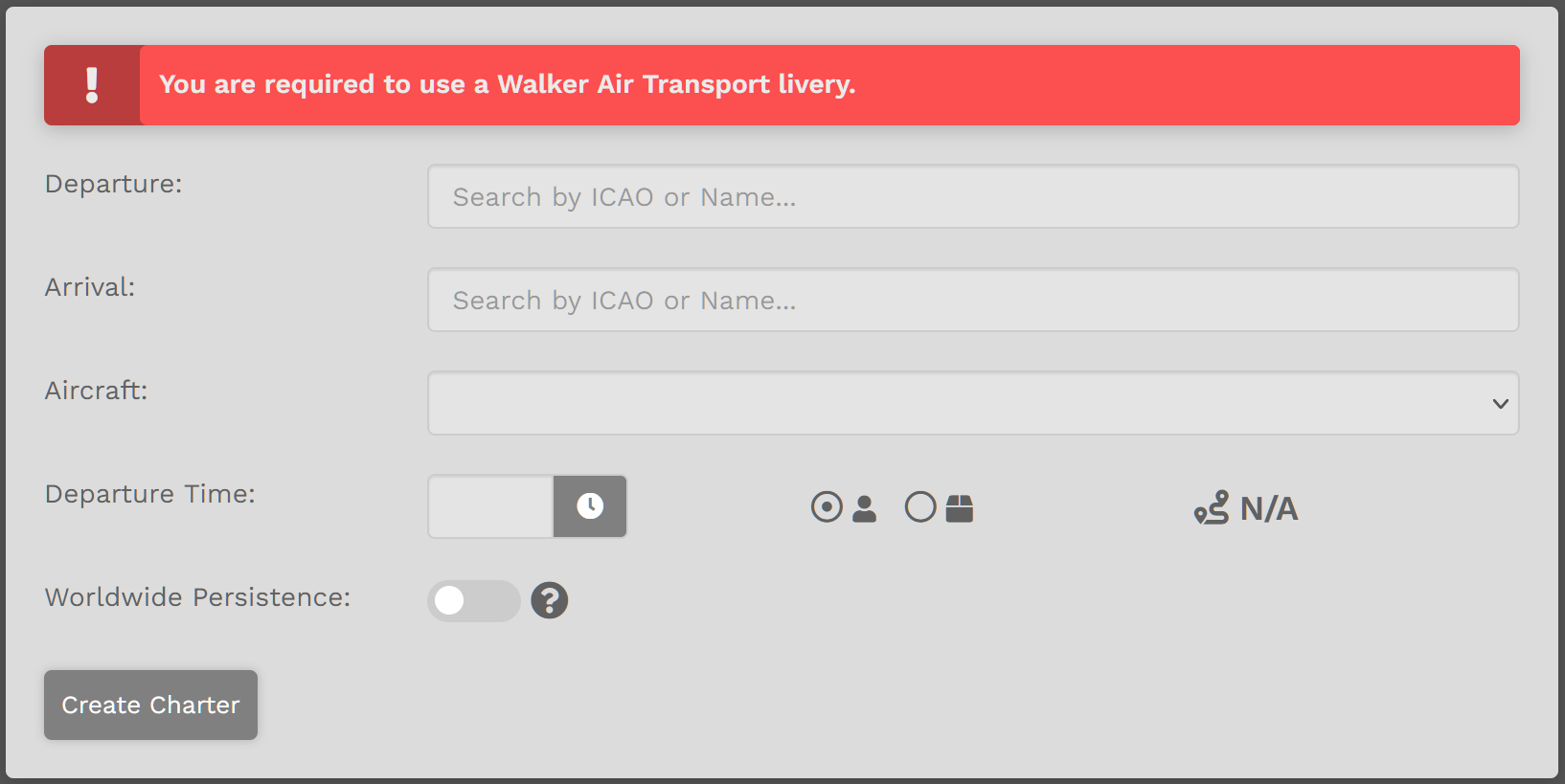
| With Worldwide Persistence... |