
Pilot Profile – Logbook
This is a quick link (shortcut) to access your Logbook.
Click Logbook. A moment later, it will appear on your screen – as illustrated below.
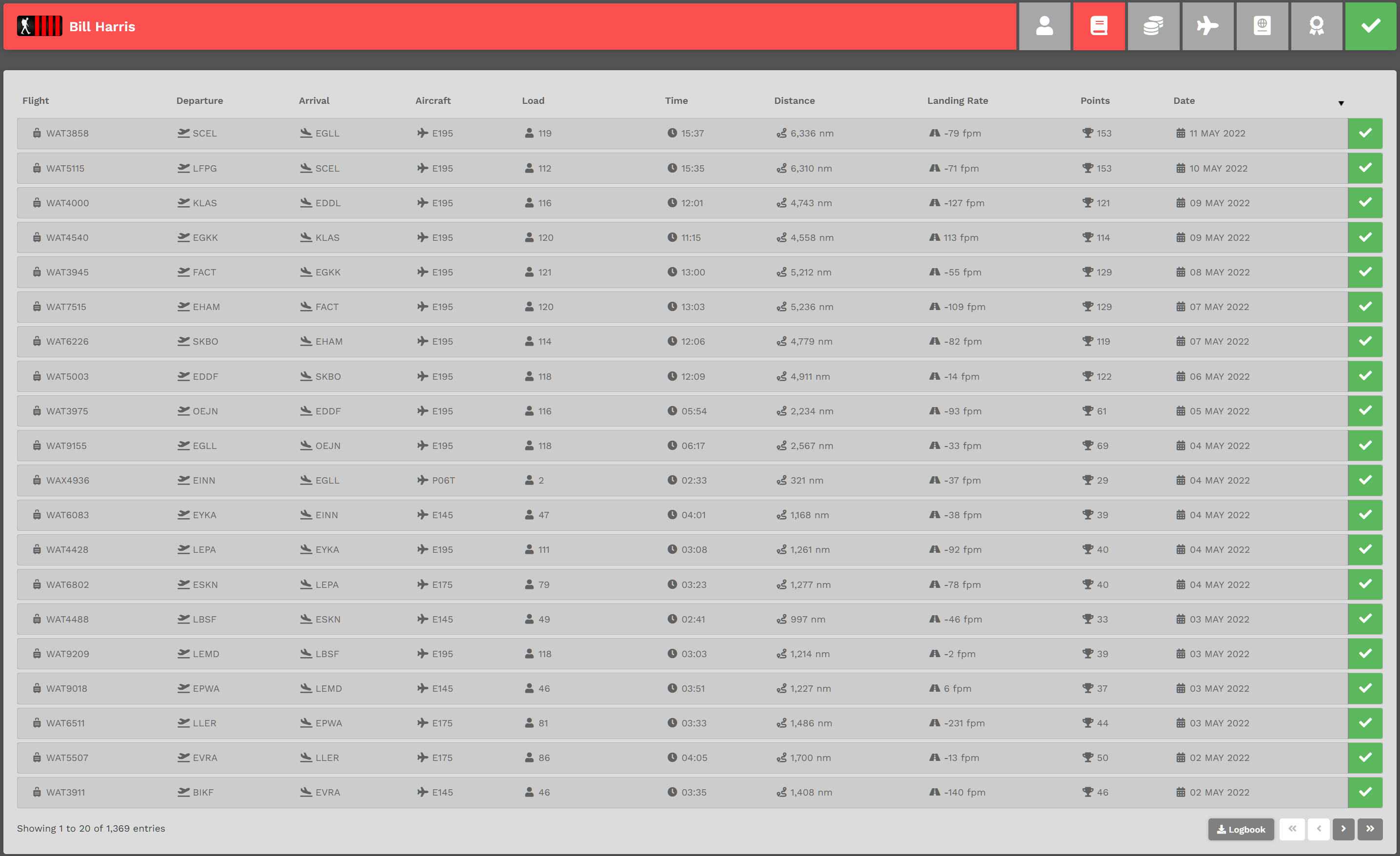
Each page will contain twenty (20) entries, with each entry representing a flight you've flown. In the example above, you can see there are a total of 1,369 entries. Click the chevron buttons in the lower right-hand corner as many times as necessary to view them.
To view the details of a specific flight, click its Flight Number in the Flight column – or – click the colored box [green, red or yellow]. After doing so, its Pilot Report will appear. You can then review the details of that flight.
Click the Logbook button to download a .csv file – something you may find useful if you'd like to analyze your performance in any way you like.