Downloading & Installing ACARS
In order for our customized, proprietary Flight Data System to function properly, it must be connected to your Sim so the data your flight generates can be transmitted to it. That transmission of data is facilitated by ACARS software.
The term ACARS is intended to cover all Fight Tracking Software.
| Windows | PC | MacOS (X-Plane Only) |
| smartCARS | FlightTrackerXP |
Depending on your computer's Operating System and the Sim you use, one of these Flight Tracking Software programs must be installed in order for you to fly with us.
smartCARS | Download
smartCARS is Flight Tracking Software made exclusively for all versions Microsoft® Flight Simulator, Lockheed Martin's Prepar3D, and Laminar Research's X-Plane.
Download smartCARS by clicking the link below.
LINK: TFDi's smartCARS
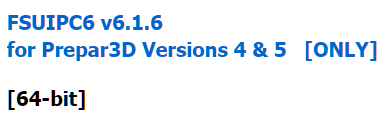
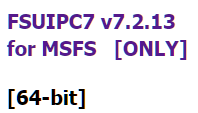
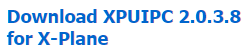
Depending on your Simulator, you'll must also must download a plugin as noted below.
| Simulator | Download Address | What To Look For |
| FSX/Prepar3D® | http://www.fsuipc.com/ |
|
| Microsoft® Flight Simulator 2020 |
http://www.fsuipc.com/ |
|
| X-Plane | https://www.schiratti.com/xpuipc.html |
|
Finally, the smartCARS executable requires Microsoft Visual C++ 2010 x86 Redistributable to be installed on your system in order to work. Obtain it by clicking on its name above.
smartCARS will not work without Microsoft Visual C++ 2010 x86 Redistributable installed on your system.
smartCARS | Installation
After clicking the link, the item below will appear on your screen. Click Save File.
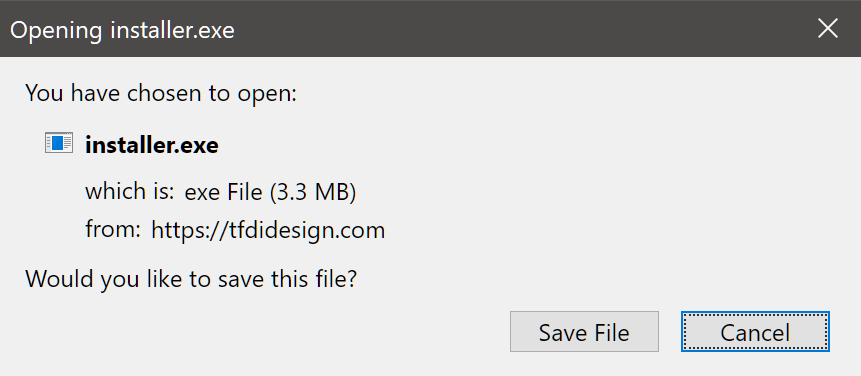
Locate the Installer on your computer. It will likely be in a Downloads Folder.

When you find it, right-click the file. Select Run As Administrator and follow the prompts to install it on your computer.
smartCARS | Configure Settings
Before you use this software for the first time, it needs to be properly configured to work with our Flight Data System.
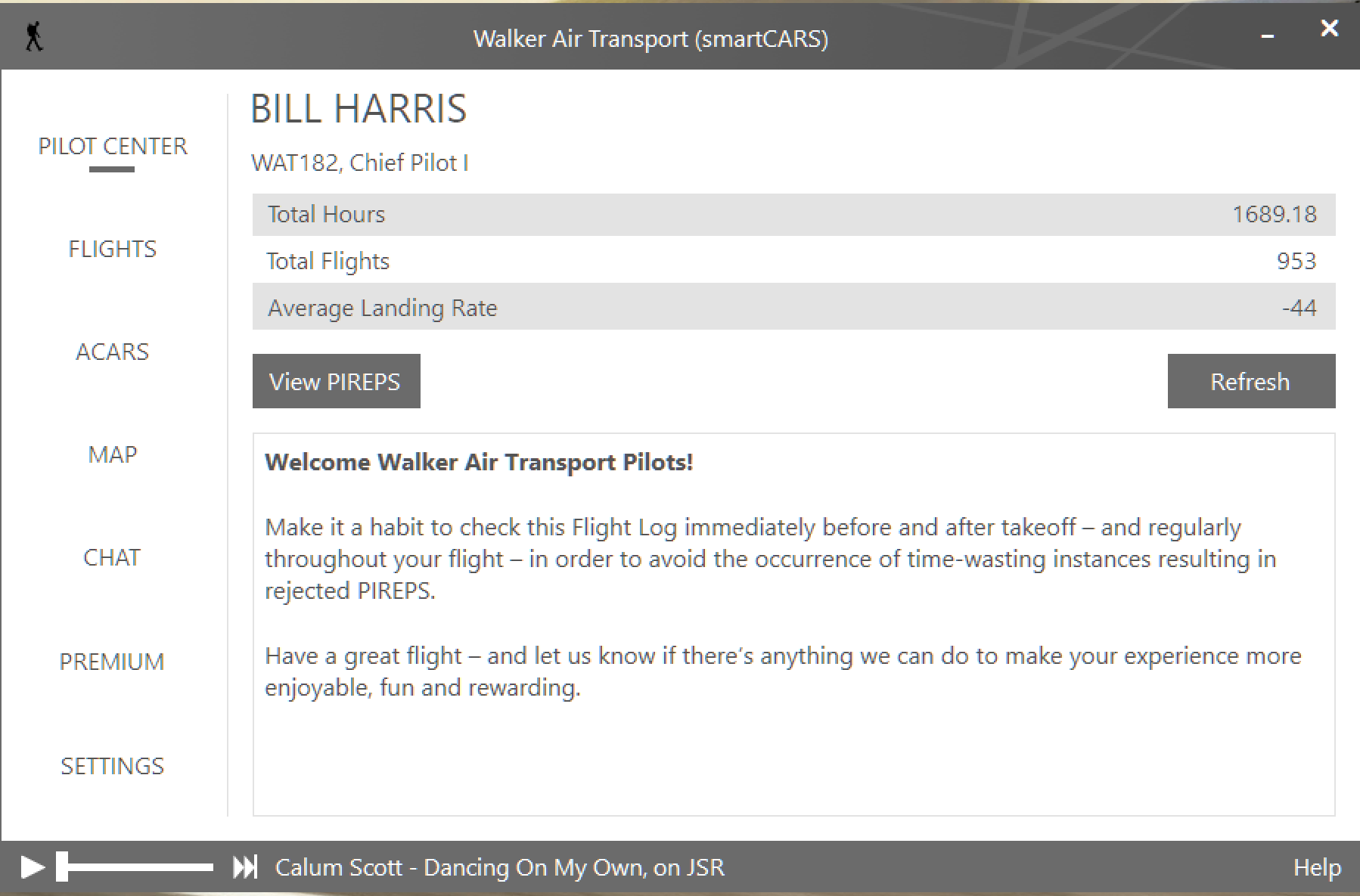
To configure smartCARS, open it. The screen below will appear.
As a new Pilot who hasn't completed any flights, there will be no data in the areas where you see it in the image below. Once you complete your first flight, data capture begins.
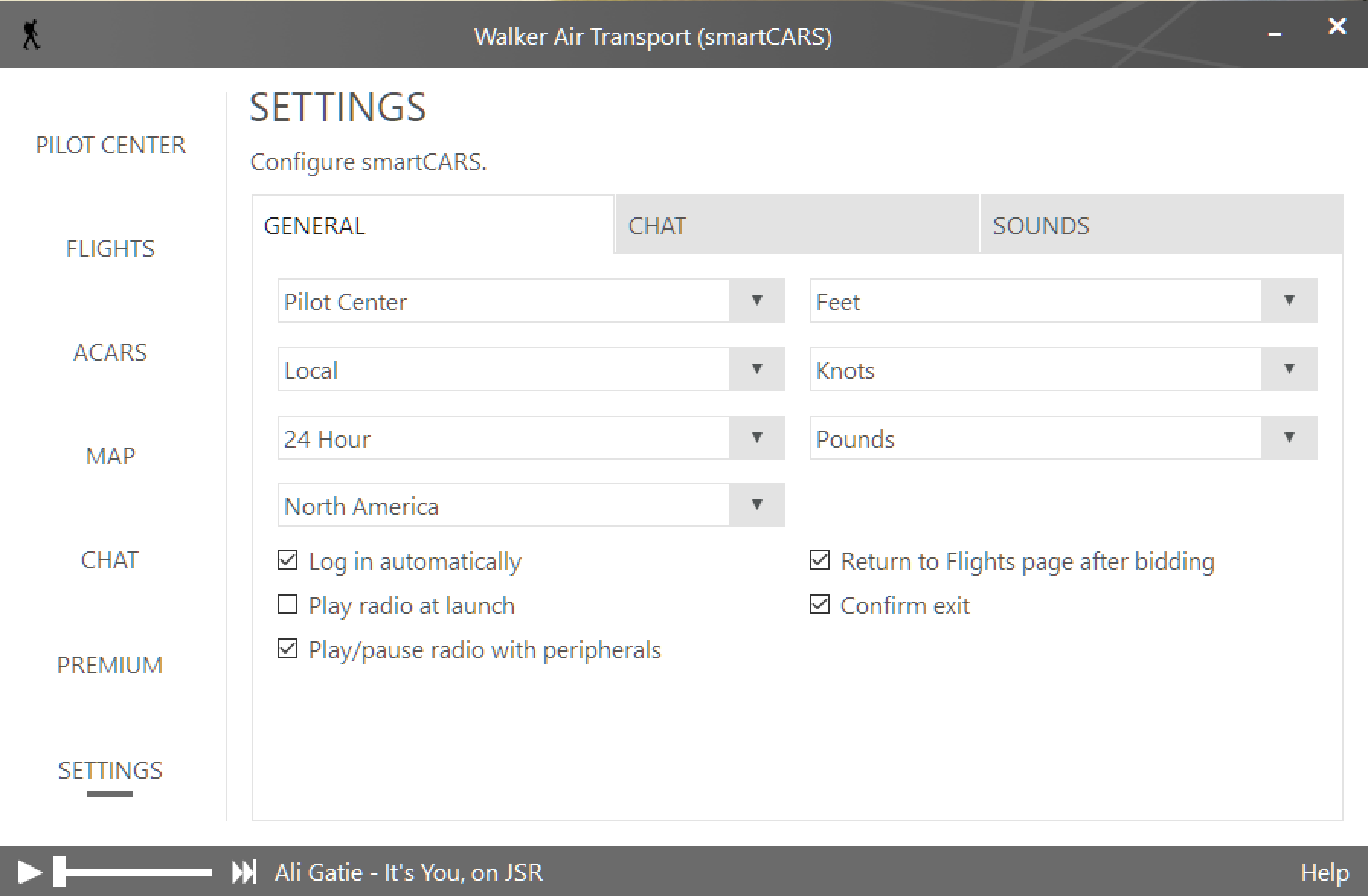
General
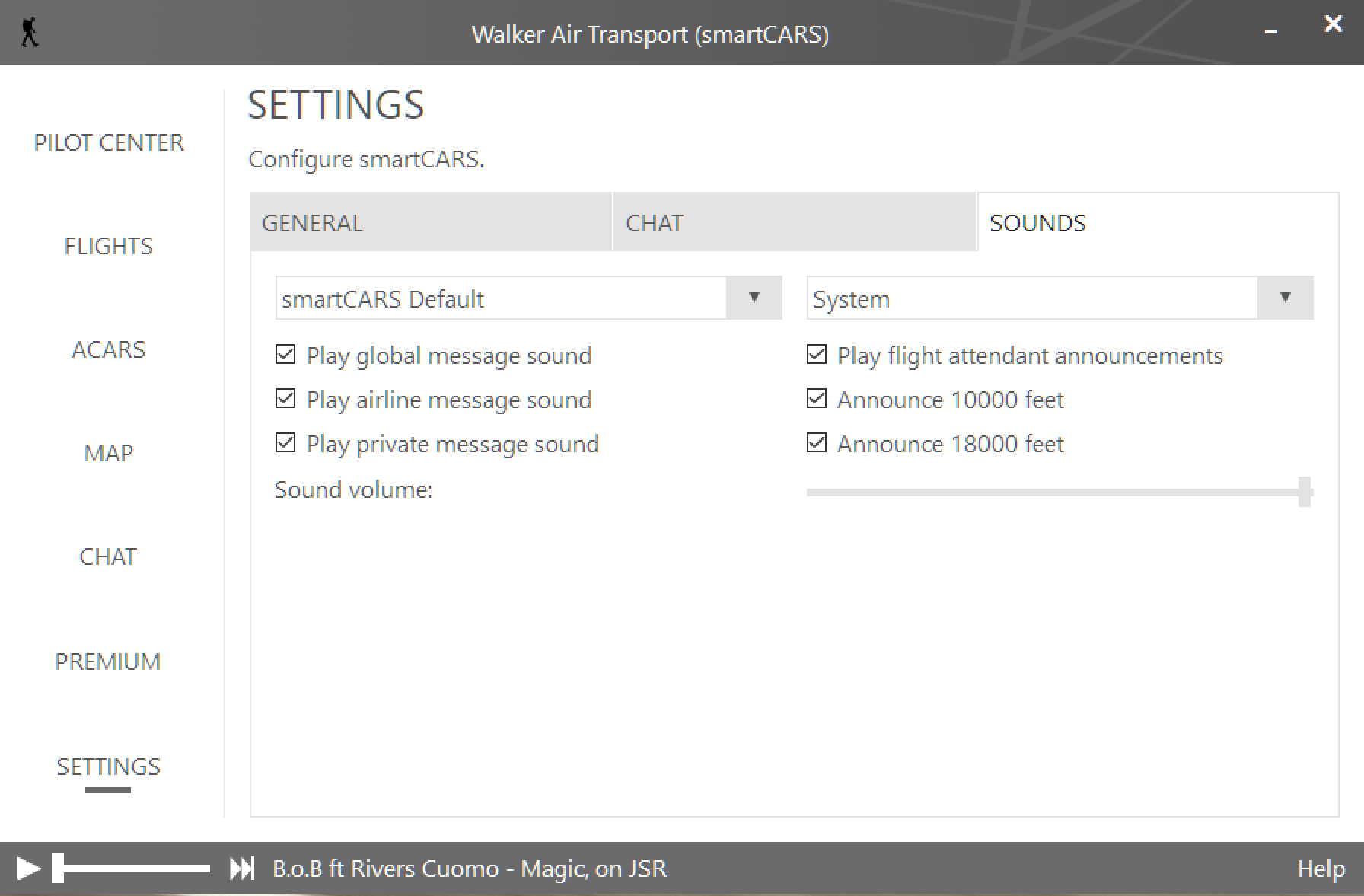
Review the settings in the image below, and, as appropriate, customize them to your preferences.
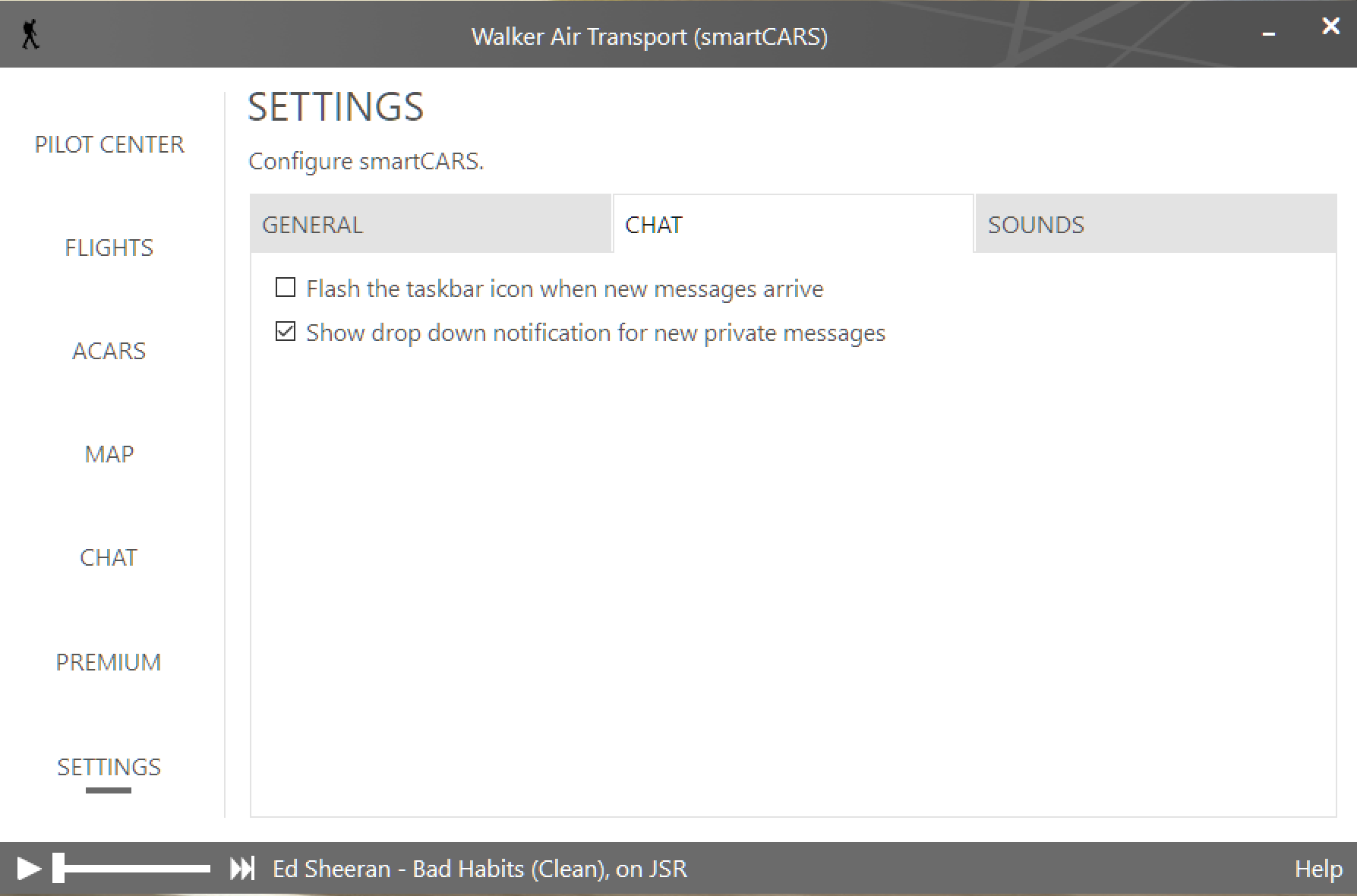
Chat
We do not formally use this feature; however, you're free to use it if you care to do so. Review the settings in the image below, and, as appropriate, customize them to your preferences.
Sounds
Review the settings in the image below, and, as appropriate, customize them to your preferences.
FlightTrackerXP | Download & Installation
The FlightTrackerXP application is subscription-based flight tracking software created specifically for MacOS in support of Laminar Research's X-Plane. It may be downloaded from Apple's App Store.
Link: https://www.apple.com/app-store/
Once downloaded, you'll be required to complete a few items to set it up.
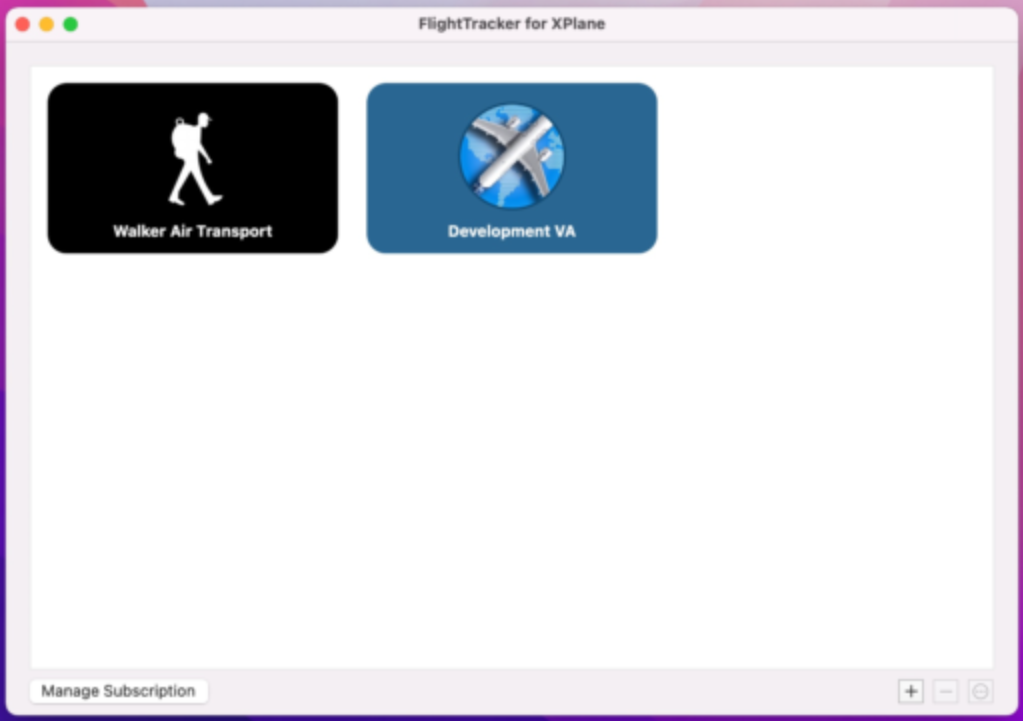
Launch FlightTrackerXP. You'll see Walker Air Transport is already listed as a Virtual Airline.
FlightTrackerXP | Configure Settings
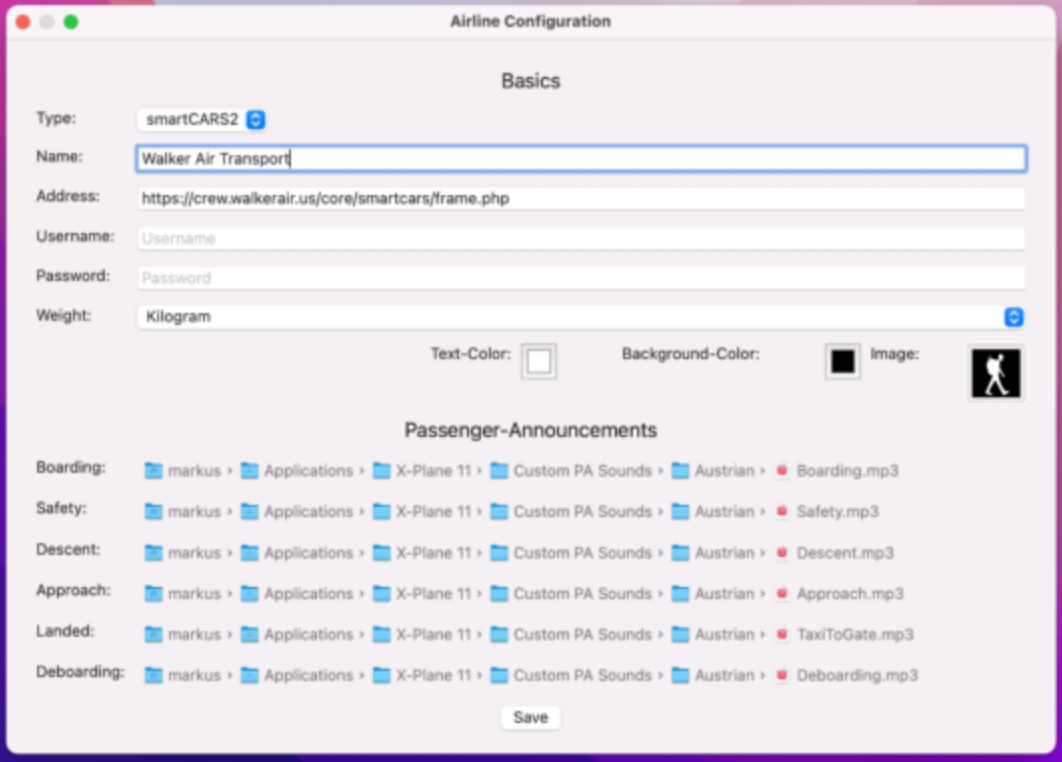
This is the Airline Configuration Page.
Enter your Username and Password in the Text Boxes provided.
Your Username and Password will be the same ones you use for our Crew Ops.
Specify Kilograms or Pounds in the Weight Text Box.
Click the Save button.
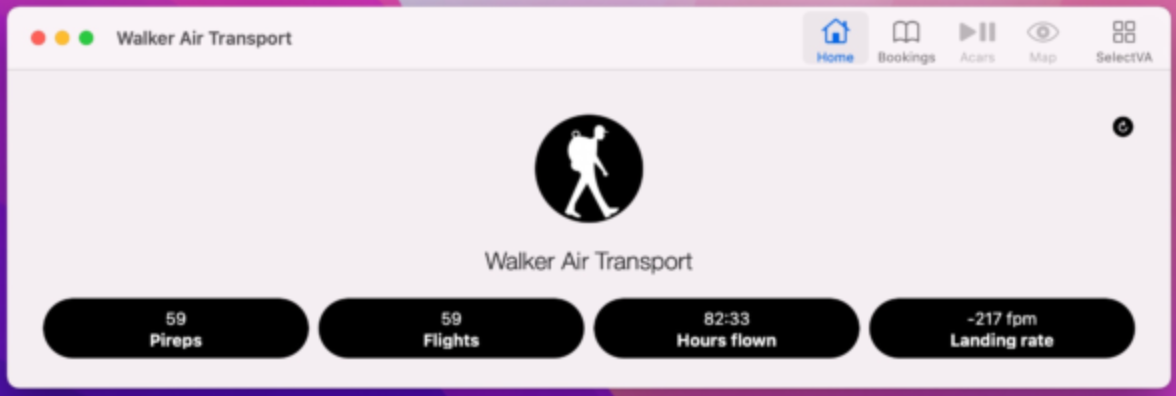
On the Home Page, your Pilot stats can be viewed.
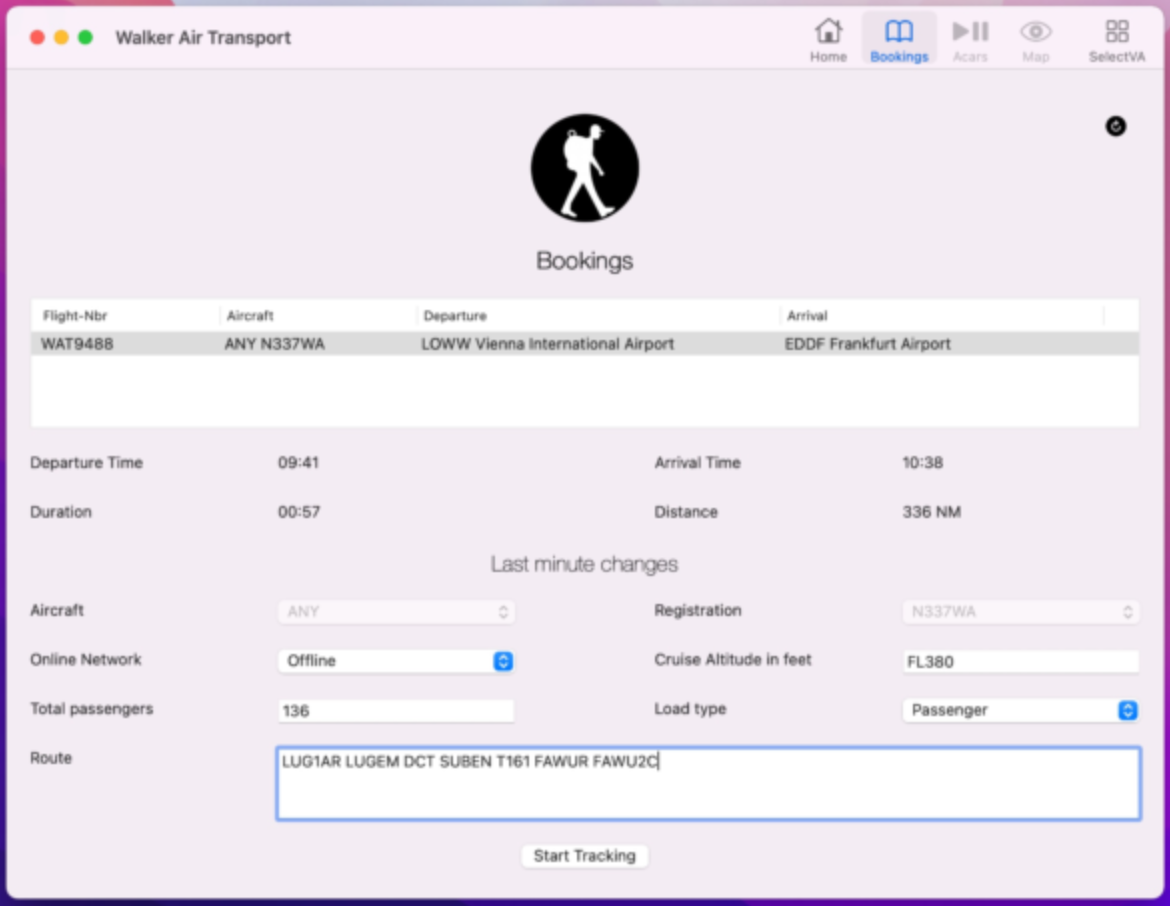
On the Bookings Page, you can view your Bids. Enter your route in the Route Text Box and and click the Start Tracking button to begin your flight.
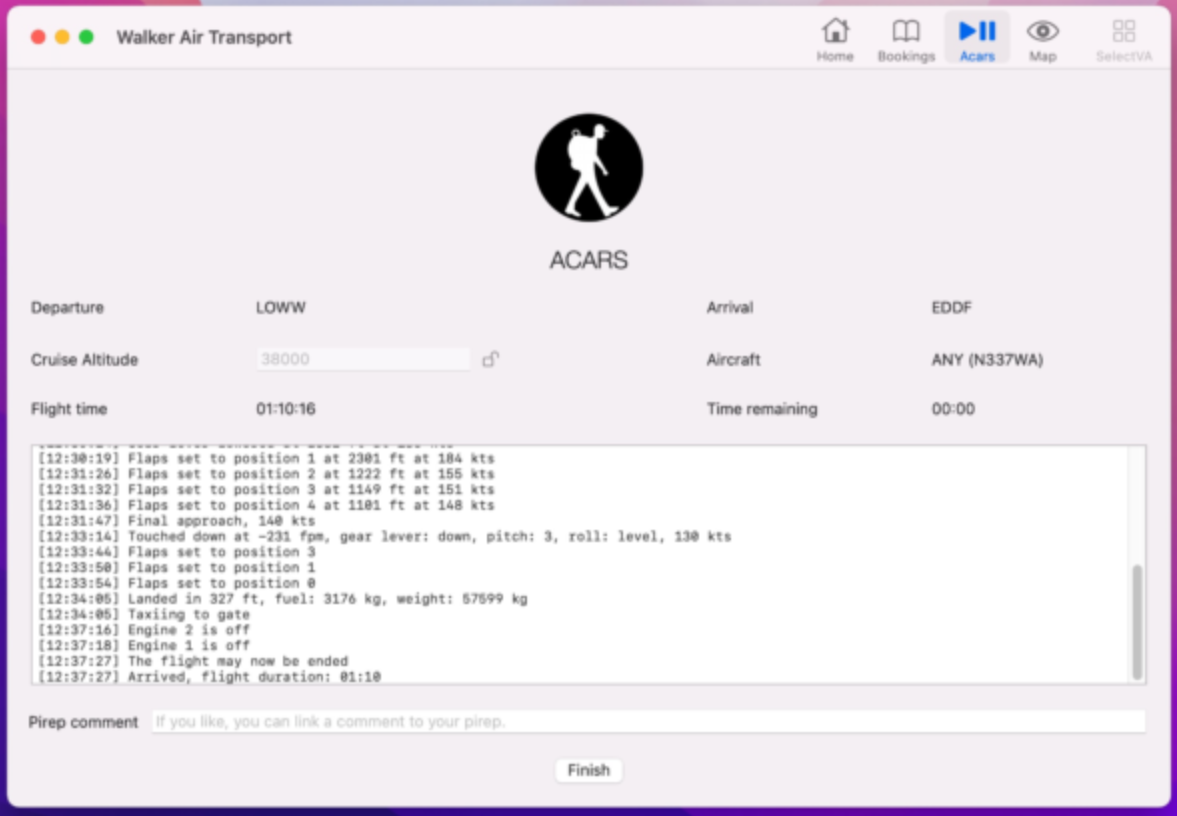
On the ACARS Page, your active flight and log file are displayed.
At end of your flight, click the Finish button. Your flight data will be transmitted to our Flight Data System to generate your PIREP.
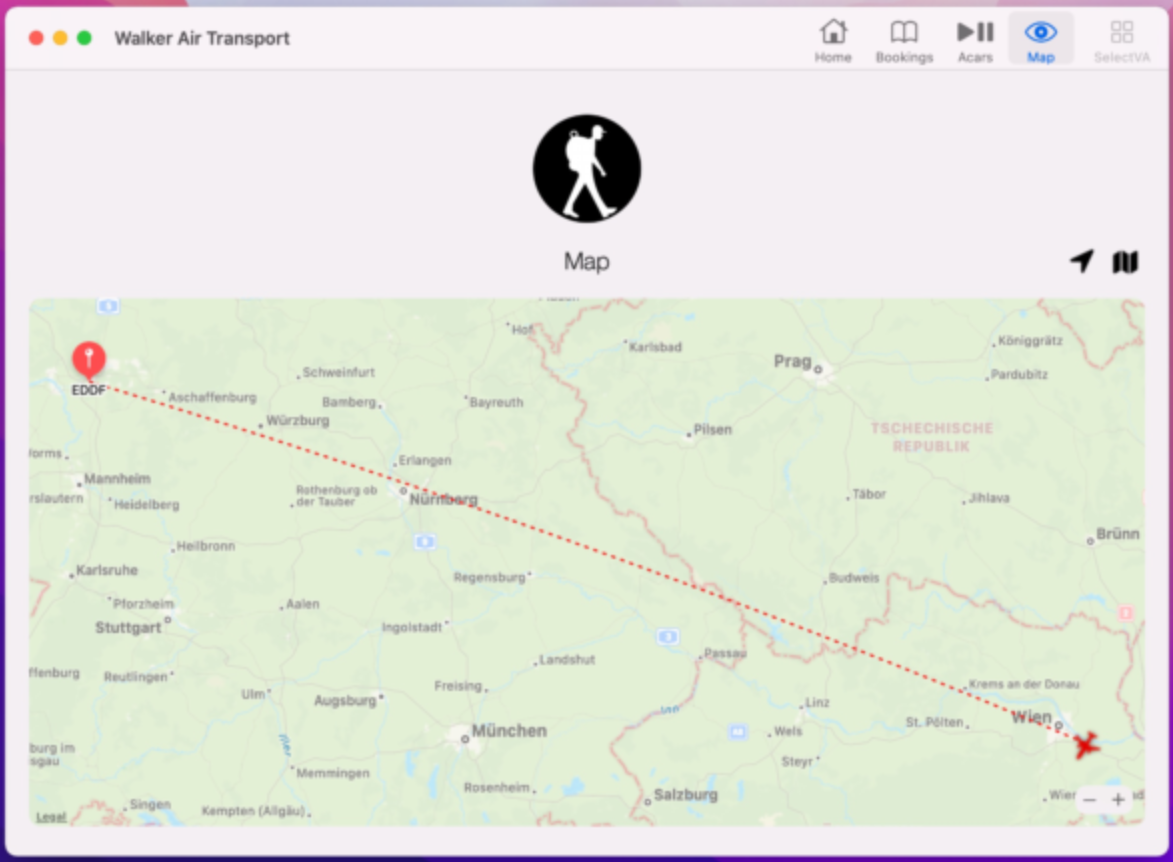
On the Map Page, you can track your flight.