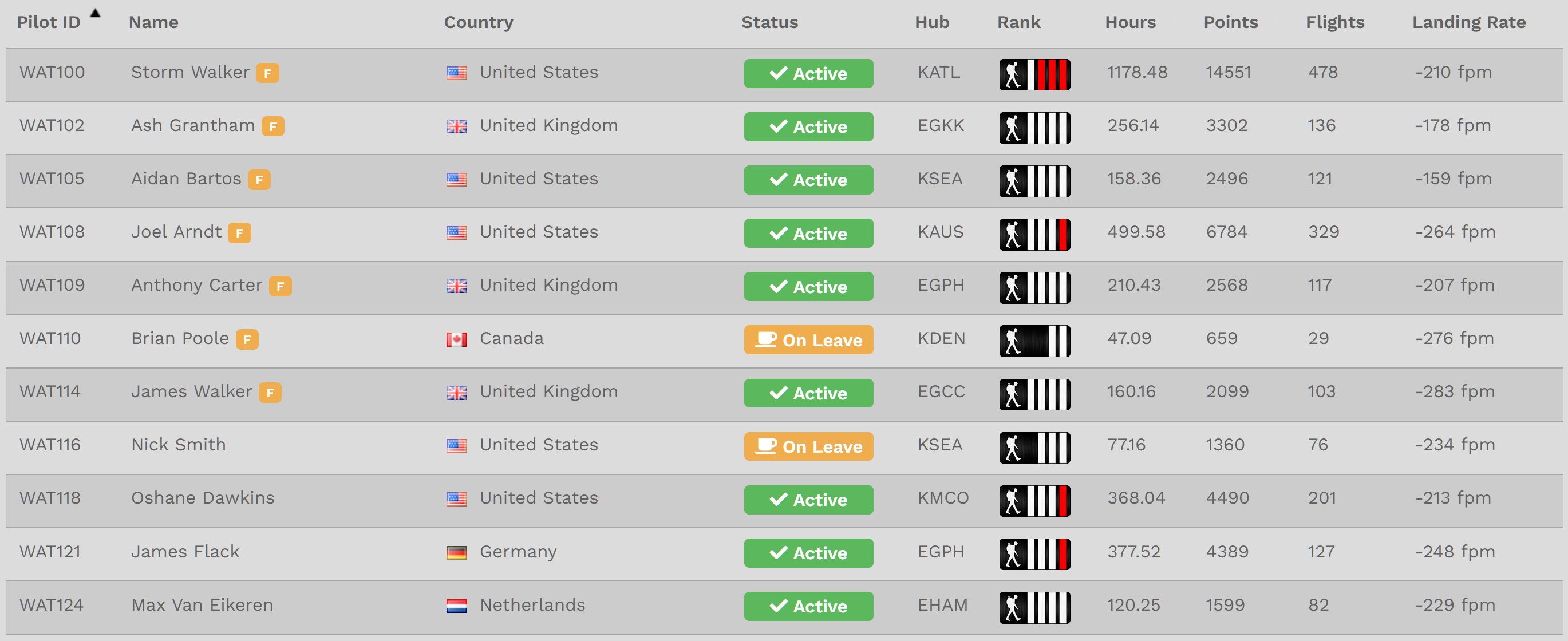
The Navigation Bar – Company > Pilots
The Our Pilots page is a listing of all Company Pilots on Active and On Leave status.

To search for a specific Company Pilot, in the Text Box to the right of the magnifying glass icon, enter as many letters of their First Name or numbers in their Pilot ID as you can until the one you're seeking appears in list beneath it. In this example, Ben was entered and these results were produced.
If you wish to see all Pilots assigned to a specific Hub, click the down arrow in the area to the right of the hanger icon to reveal your choices in a drop-down menu. Click on the desired Hub. A list of Pilots assigned to it will be produced.
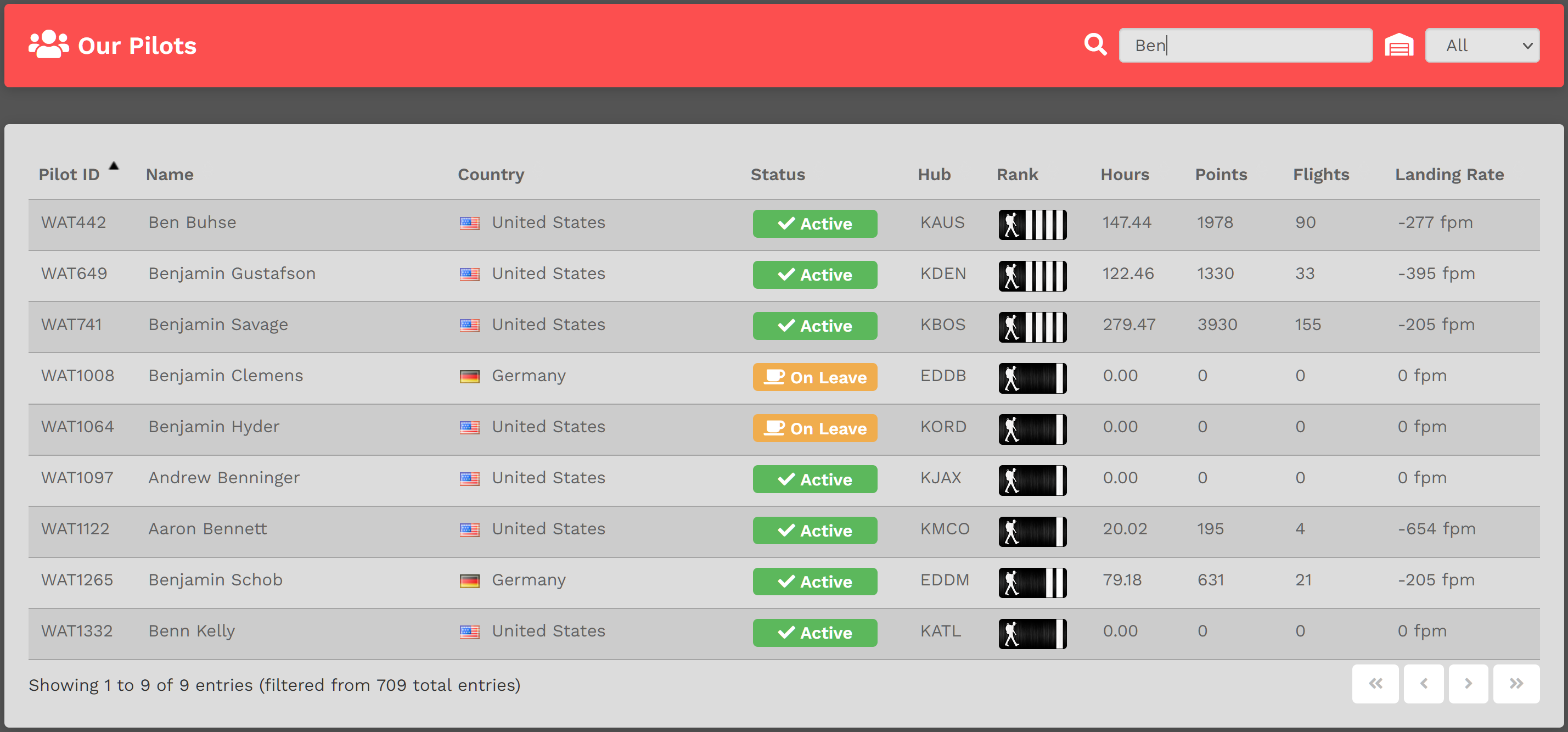
The list can also be sorted. Click on any column header to do so. To return the to the default view, refresh the page – or – click the Pilot ID column header.